3D Scanner
Background
This project uses a cheap projector and webcam to make 3D scans of objects. This was done as part of a University assignment where the goal was to make an instrument using some unique form of input, so this is designed to scan a sandpit and generate sound based on the data. This mini report will specifically look at how the 3D scanner was designed and implemented.
Design/Concept
The key concept of this project is a technique called Structured Light Scanning.
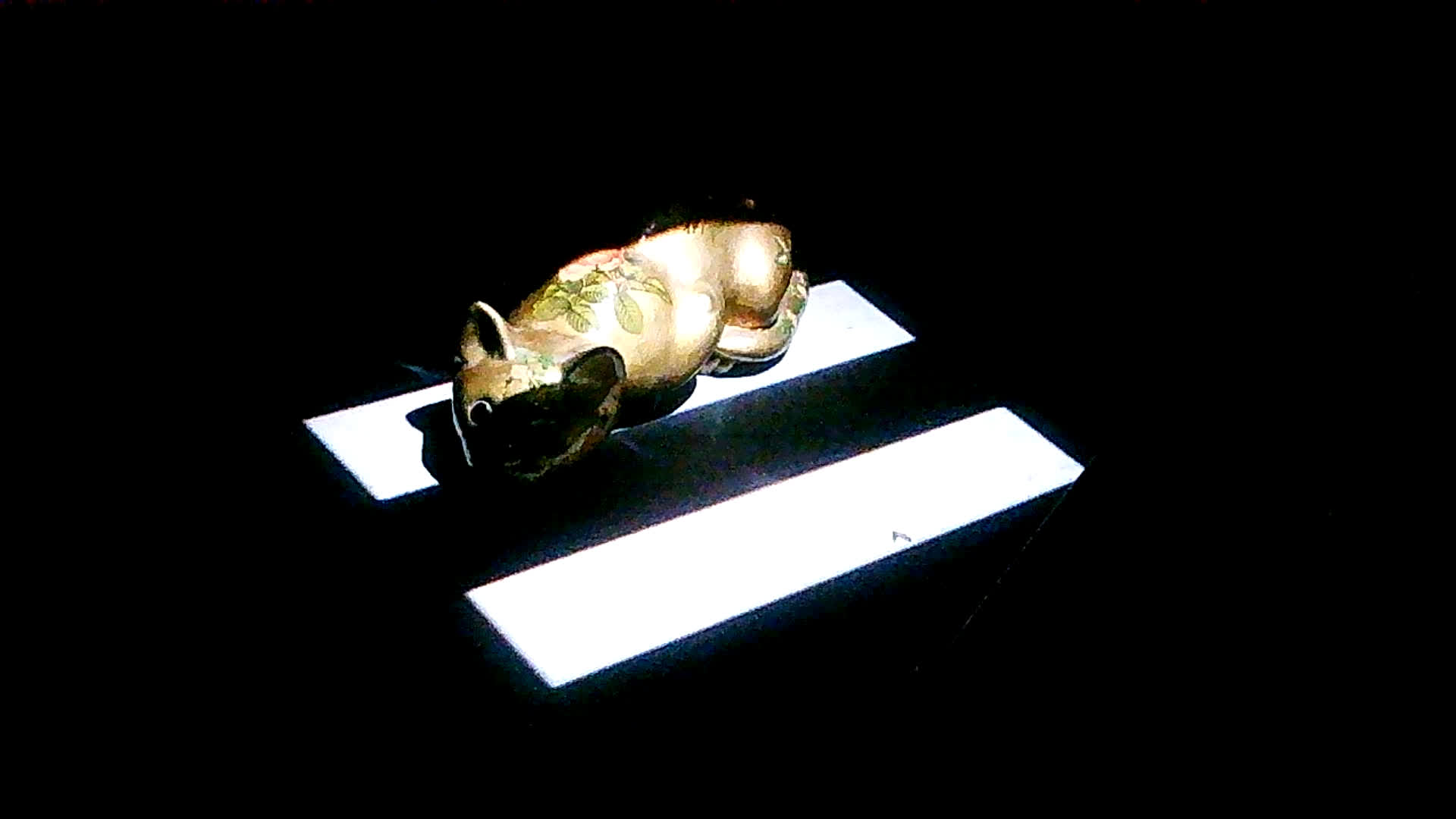
The idea is to project stripes against an object, take an image with the webcam, then repeat, doubling the number of stripes each time. This is done 4 times for each level of detail (vertical, inverted vertical, horizontal, inverted horizontal)
Vertical Frames
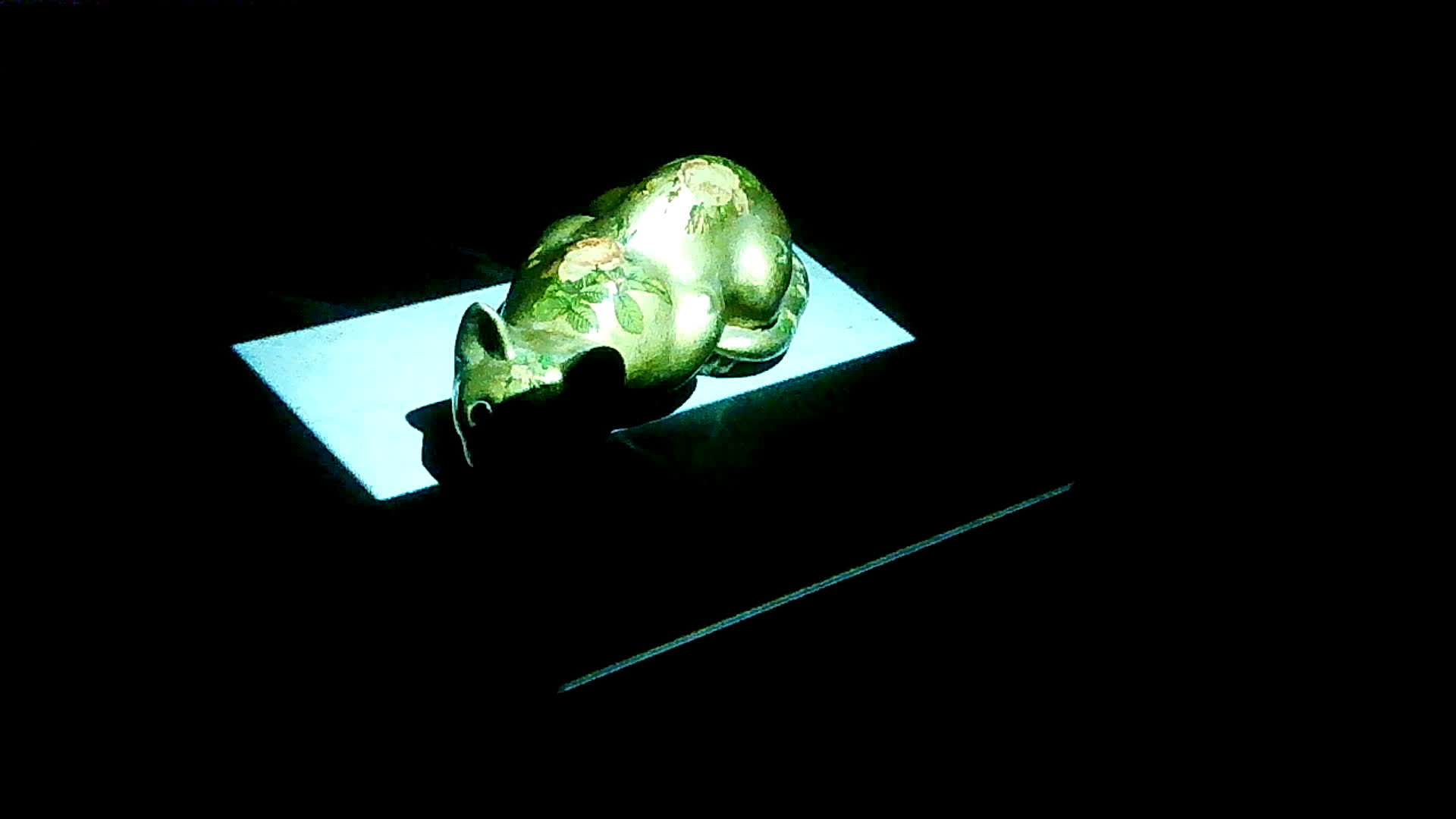
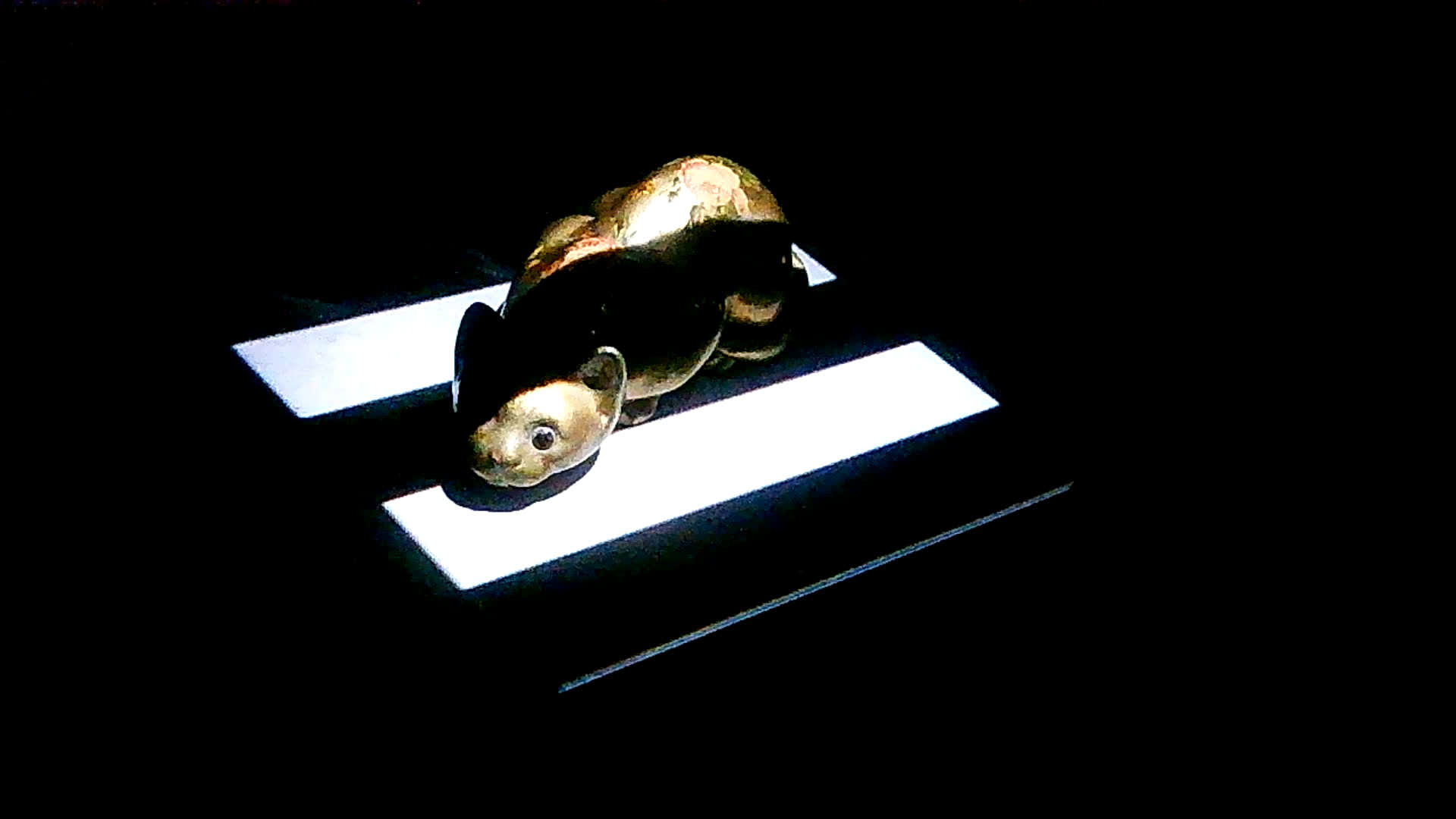
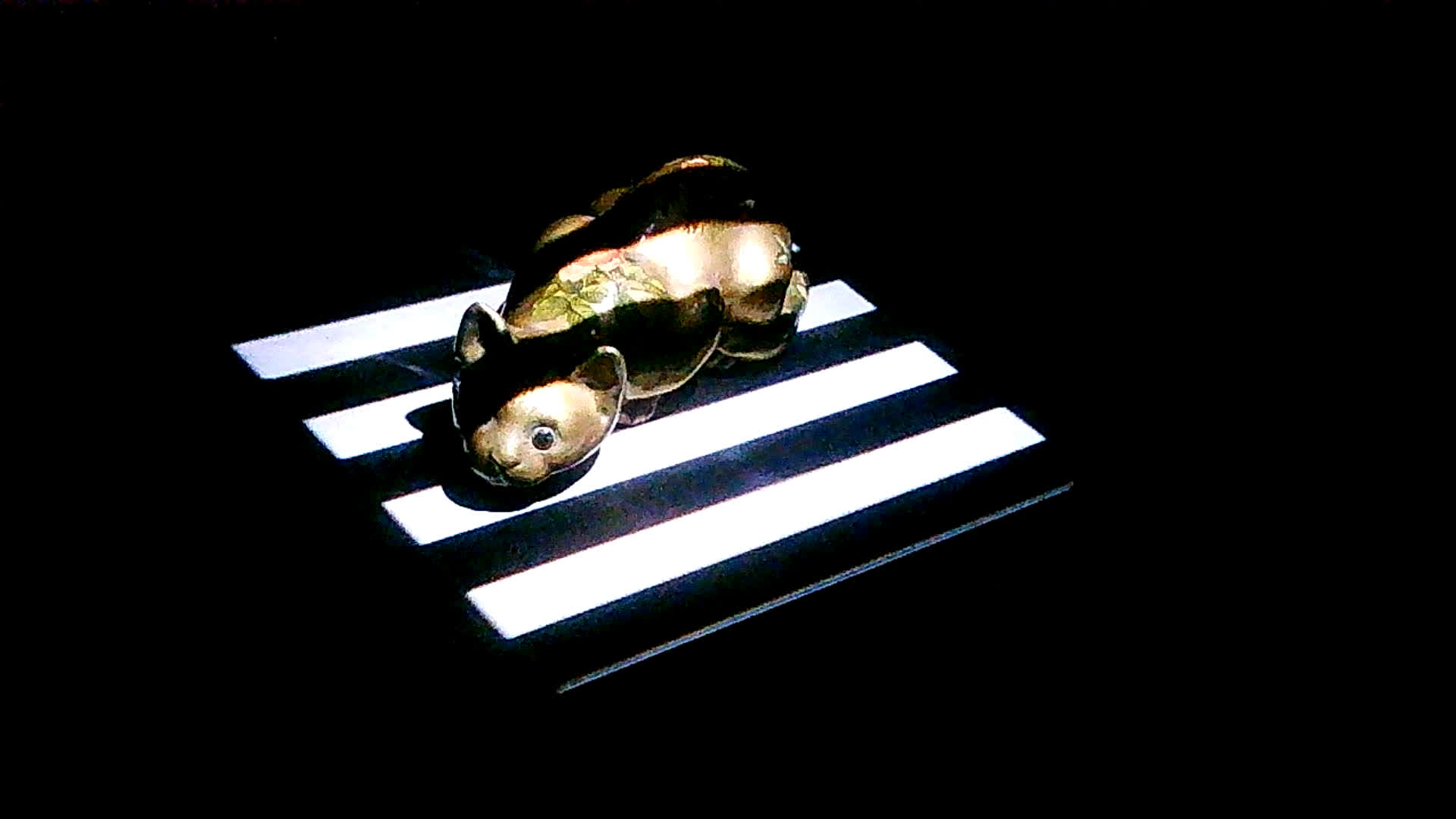
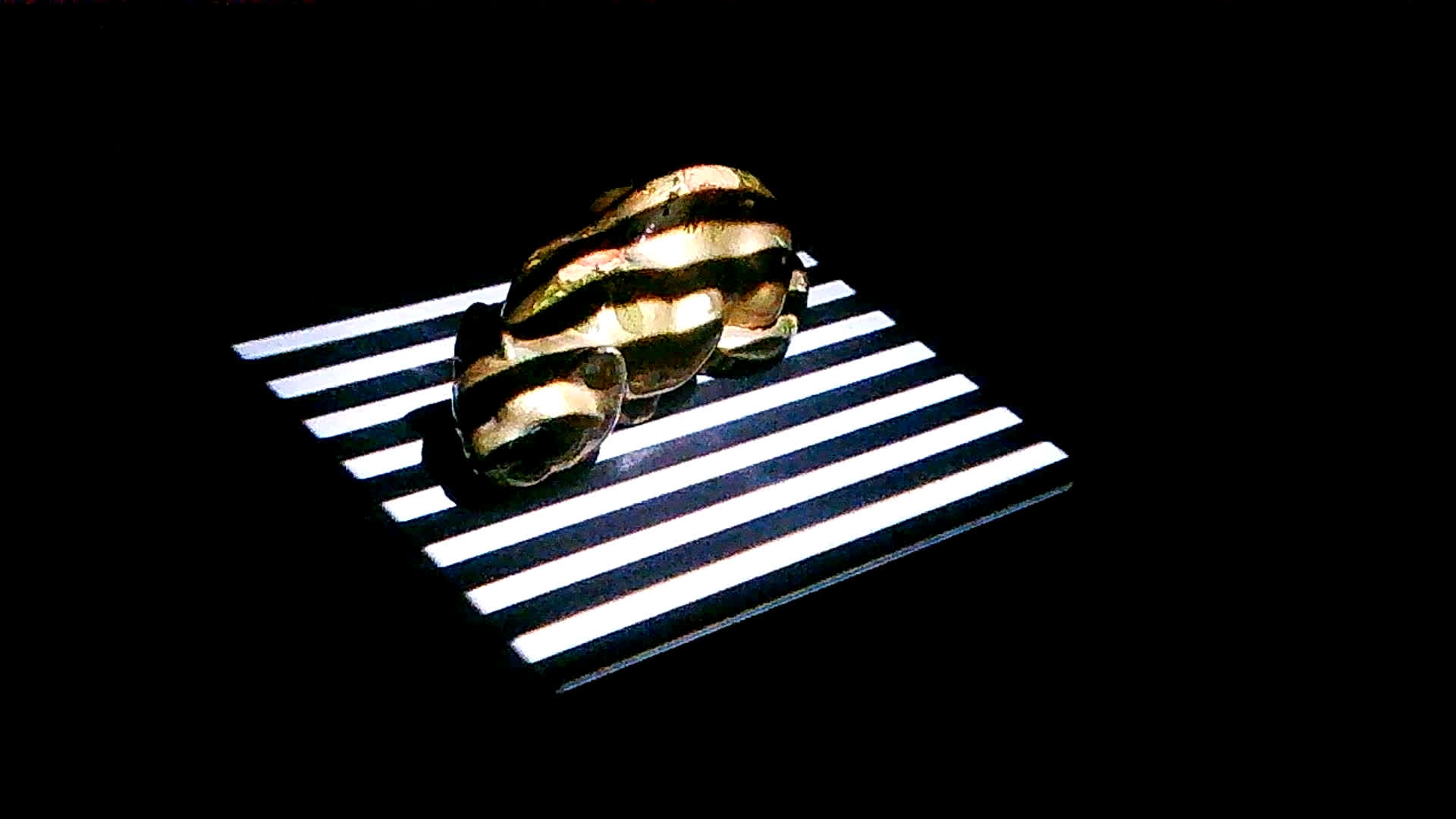
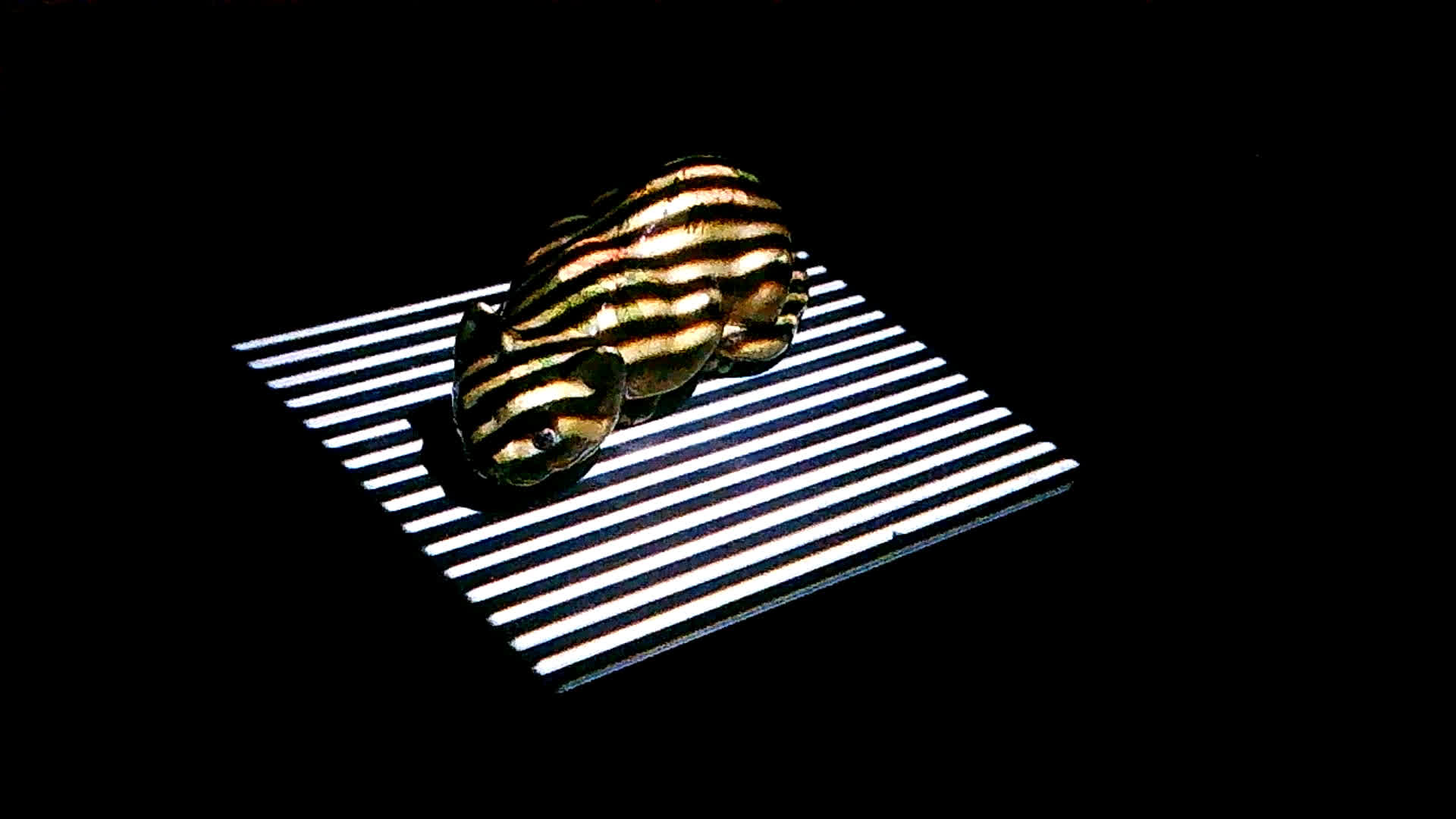
Vertical Inverted Frames
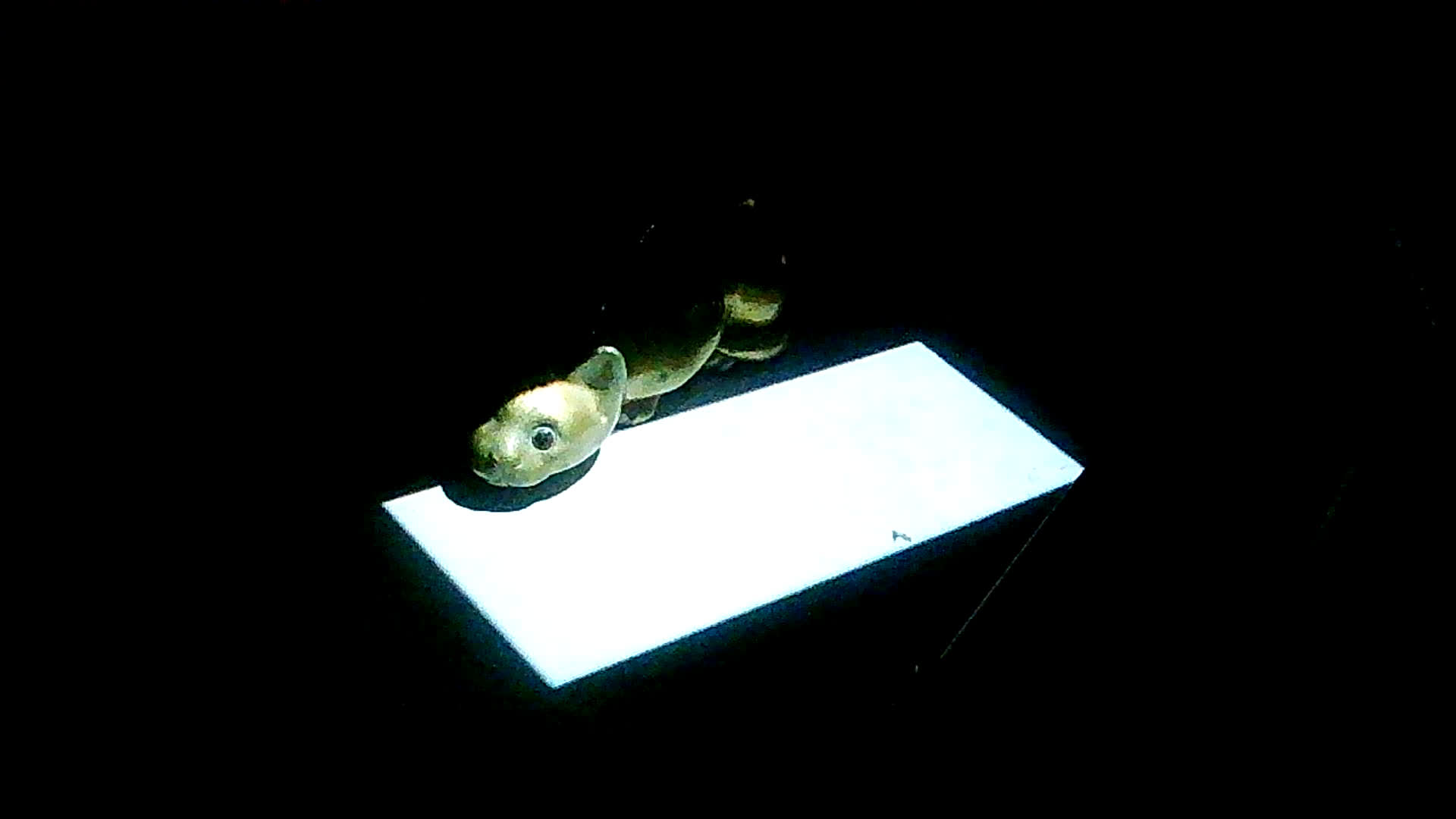
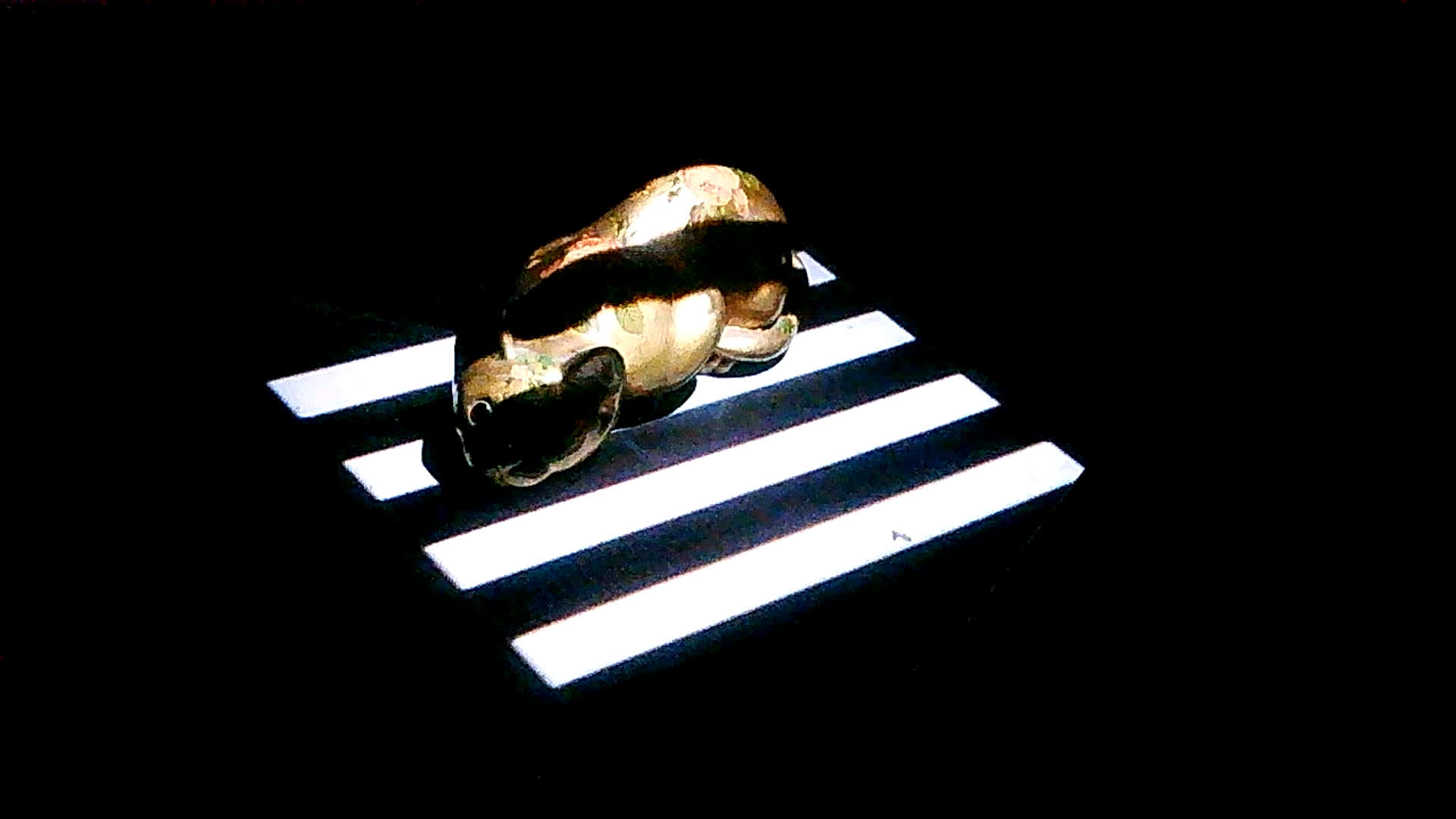
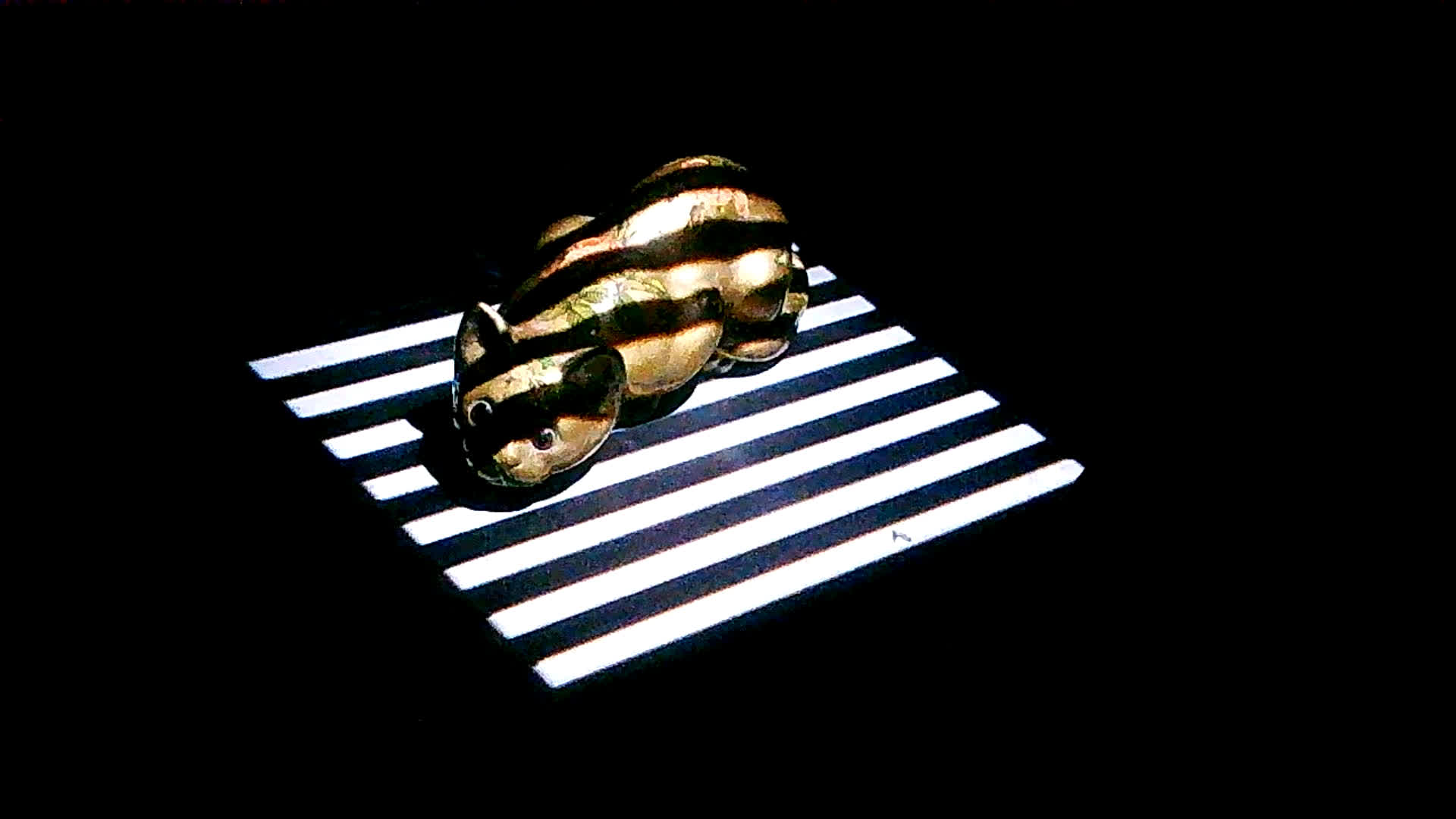
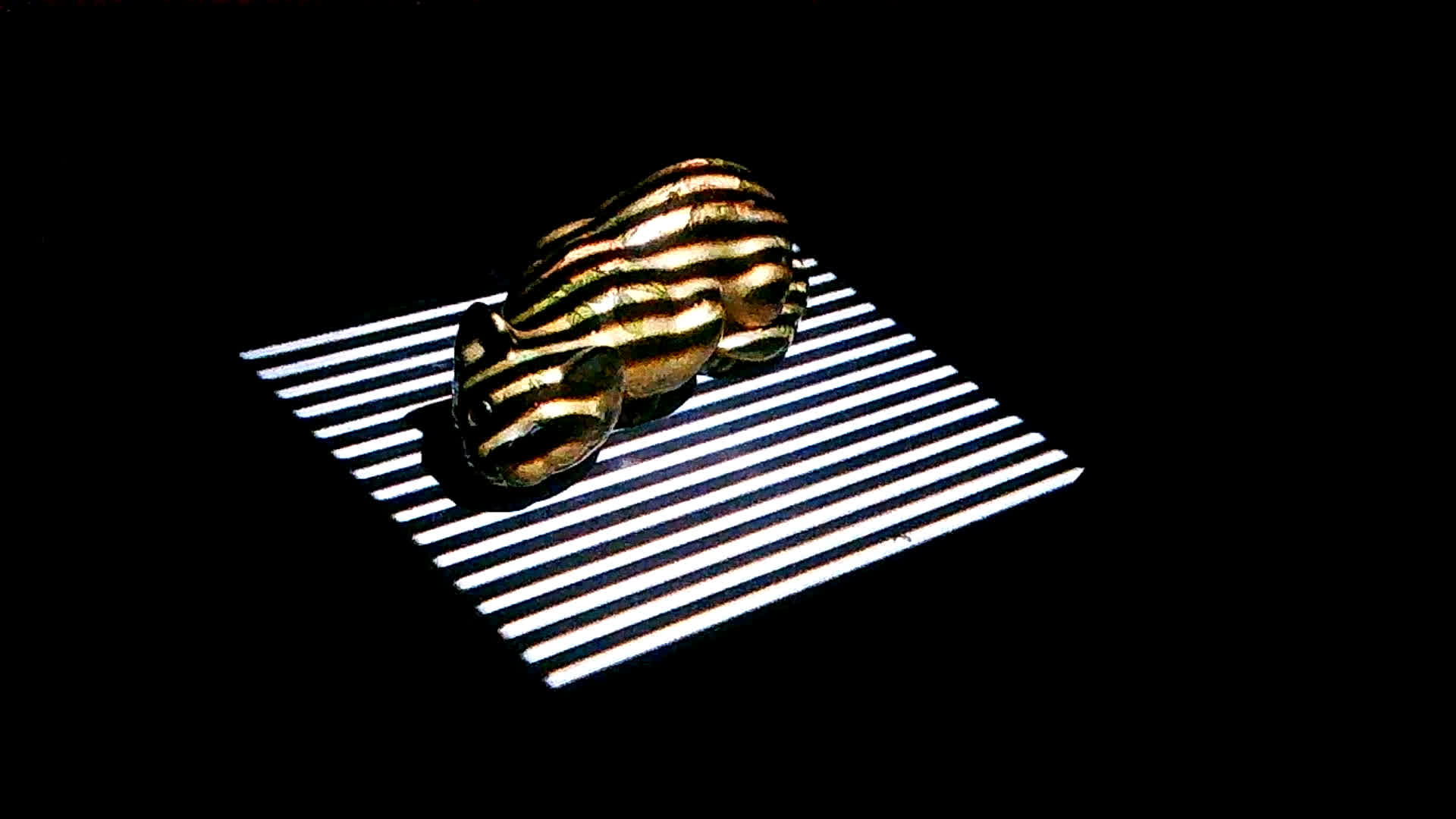
Horizontal Frames
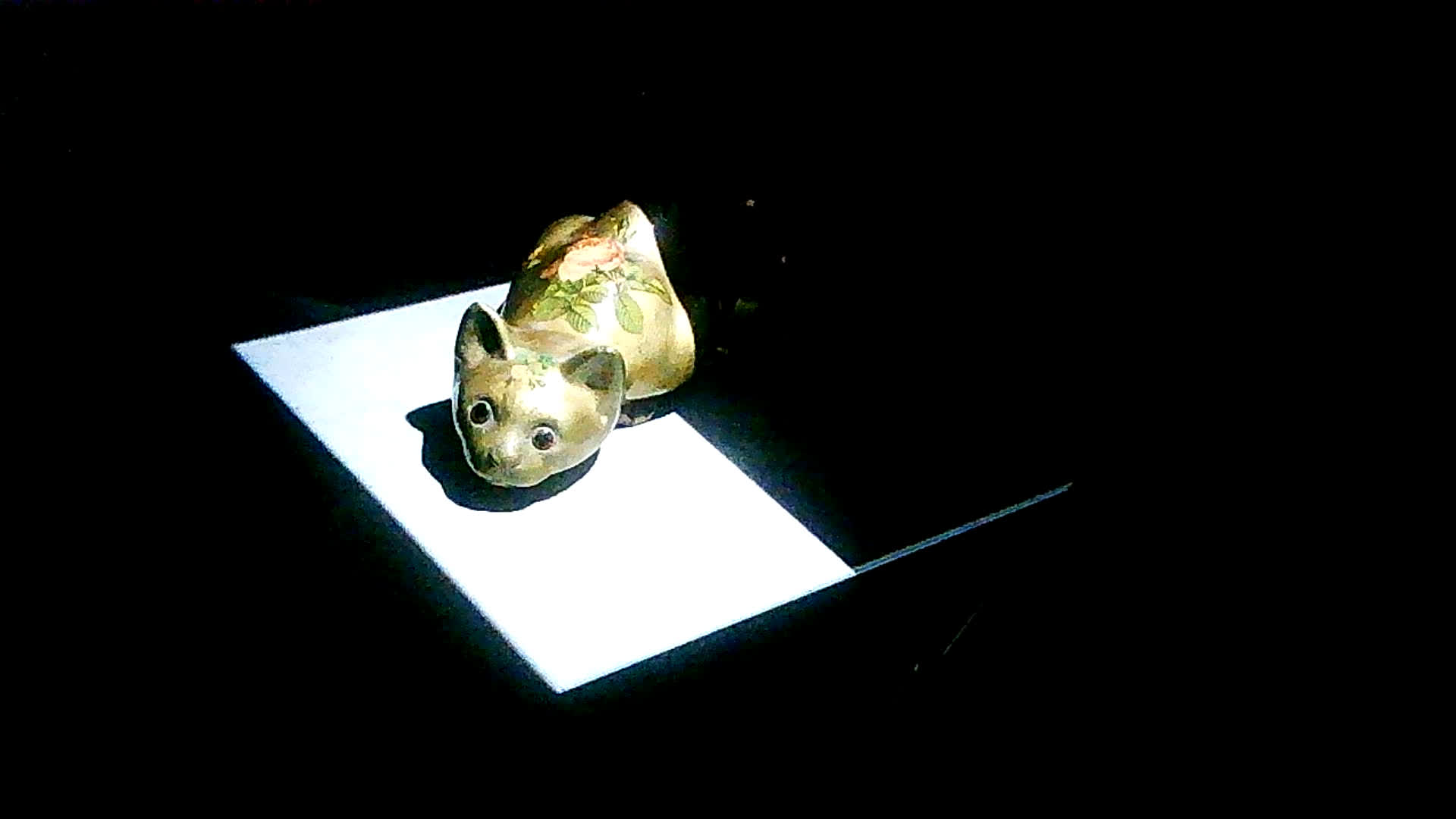
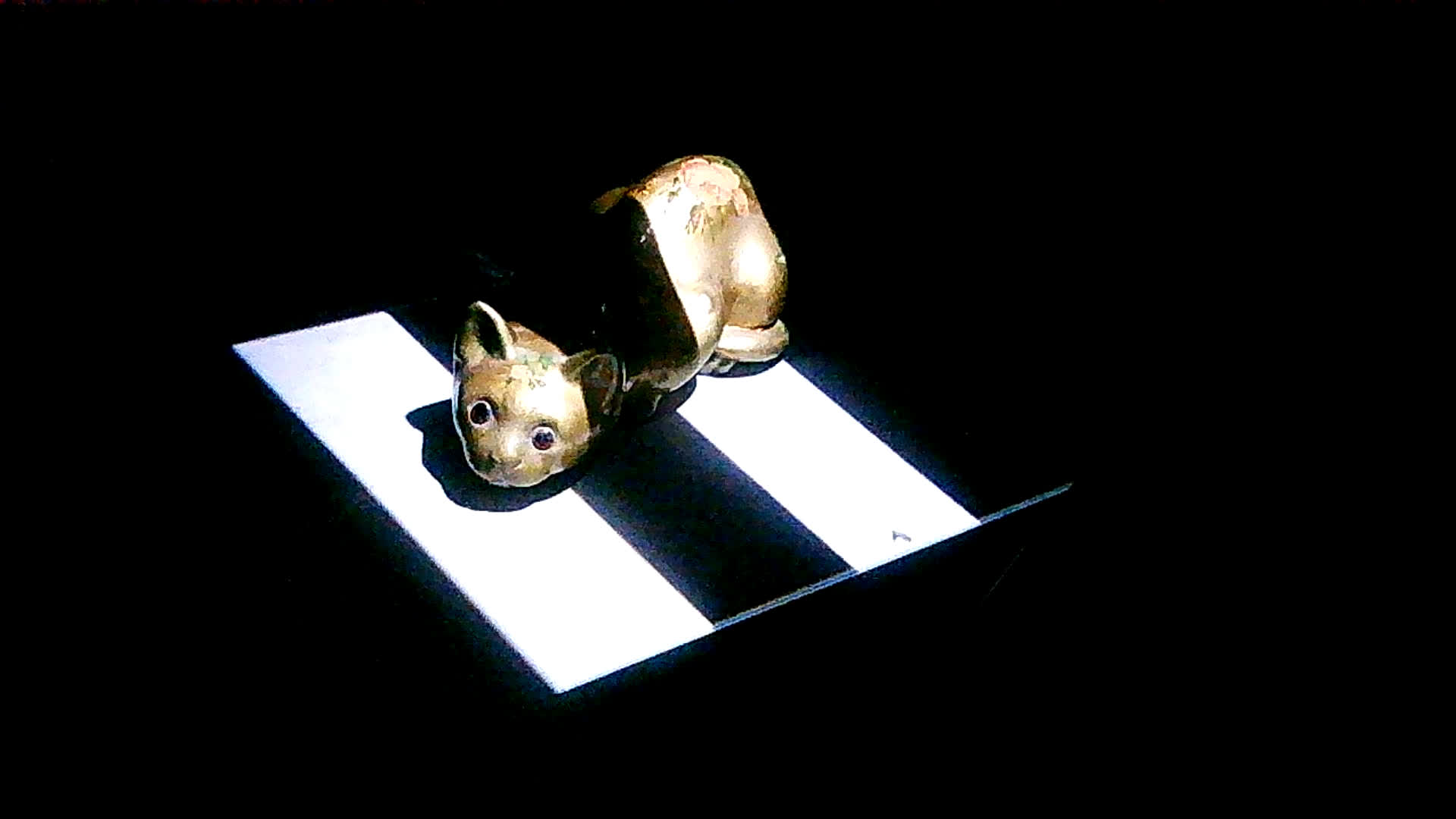
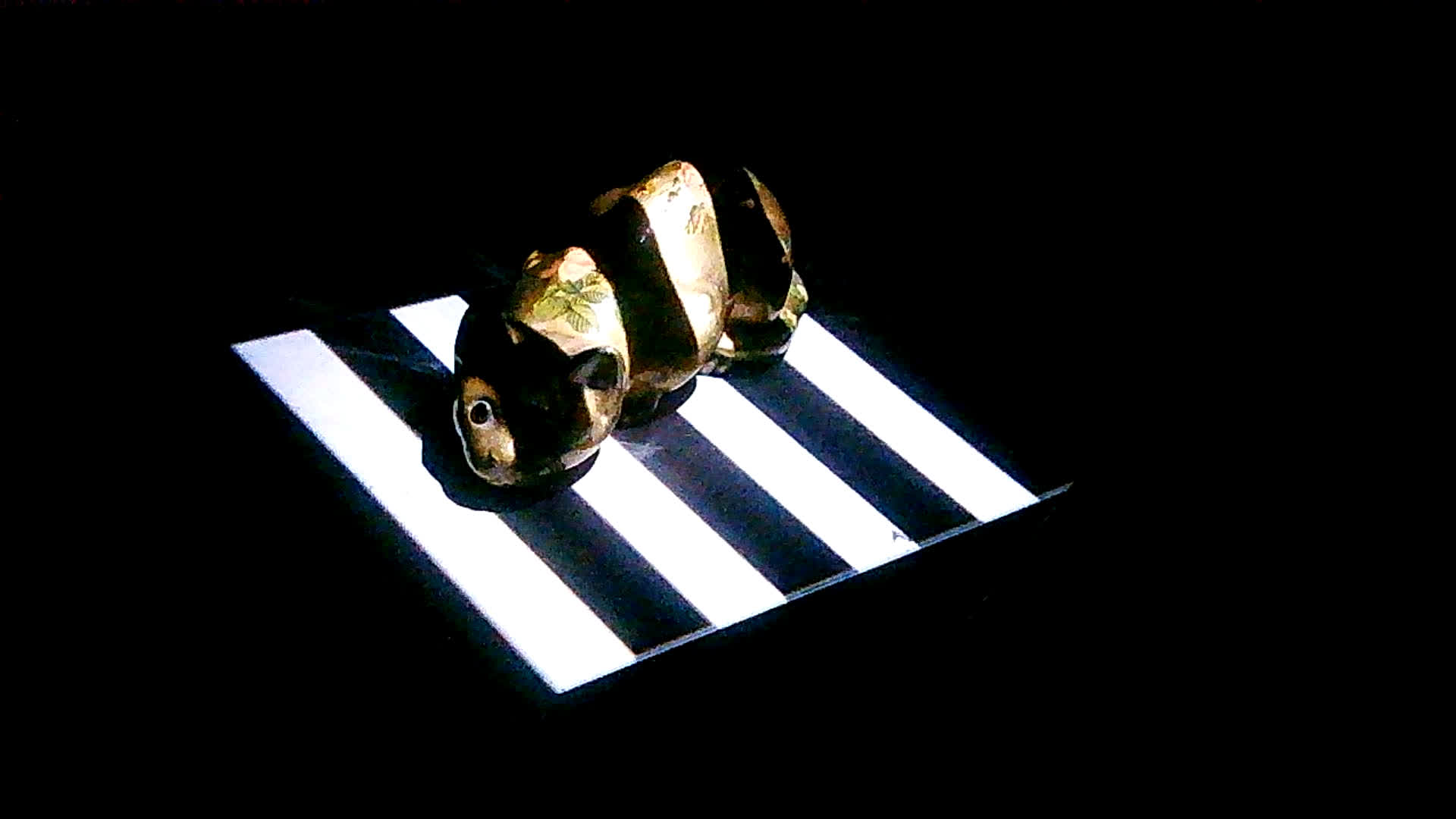
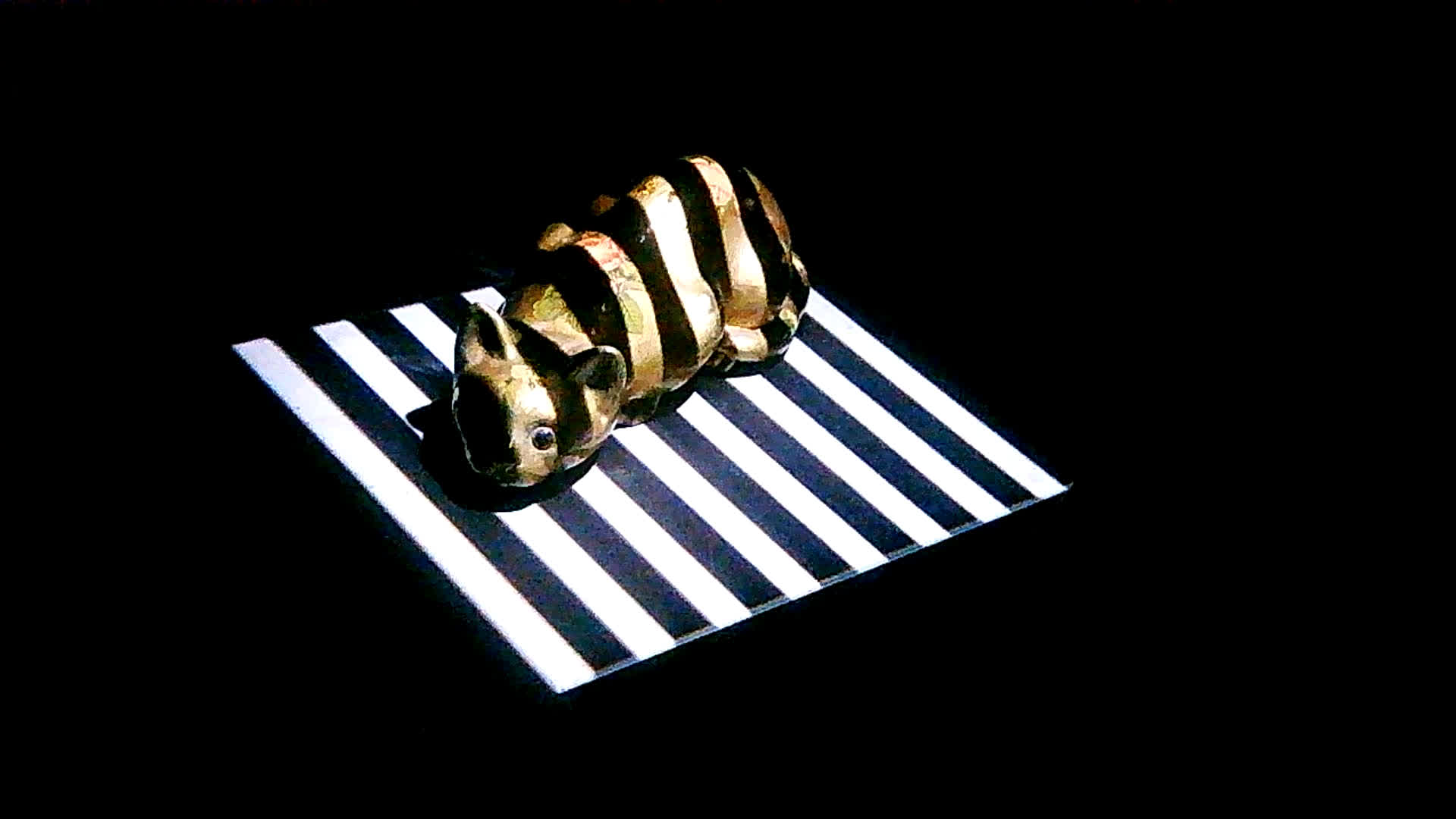
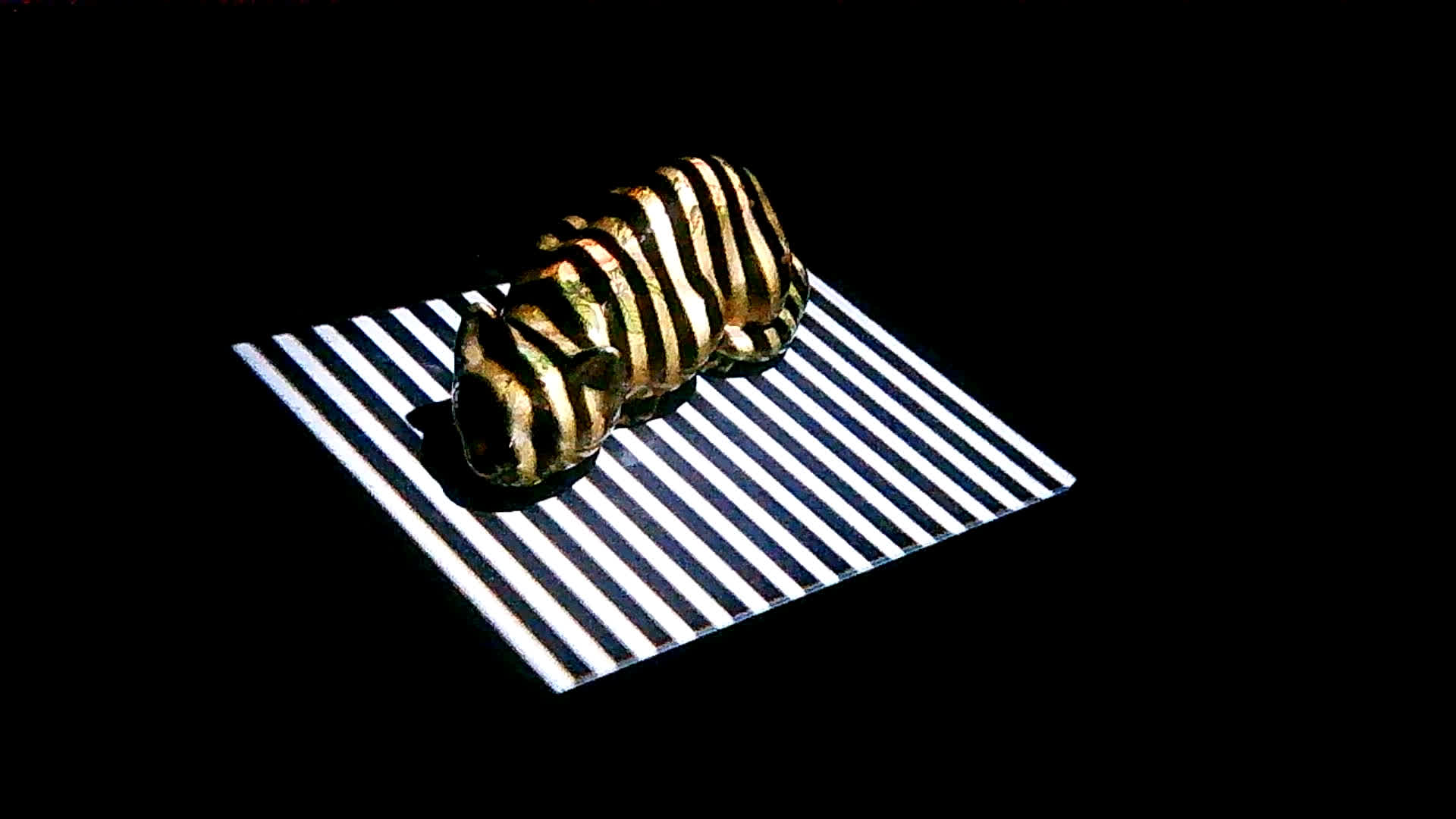
Horizontal Inverted Frames
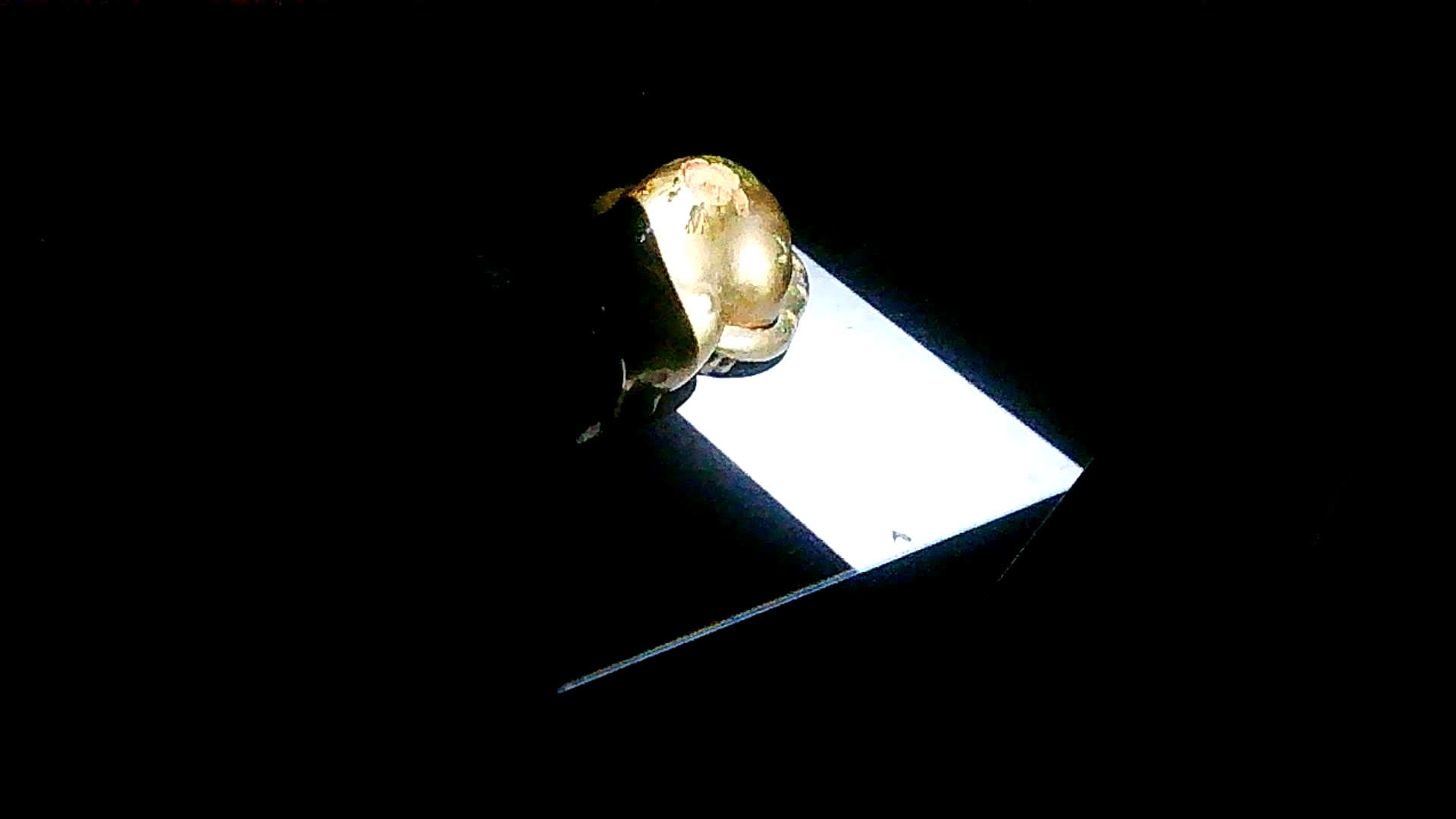
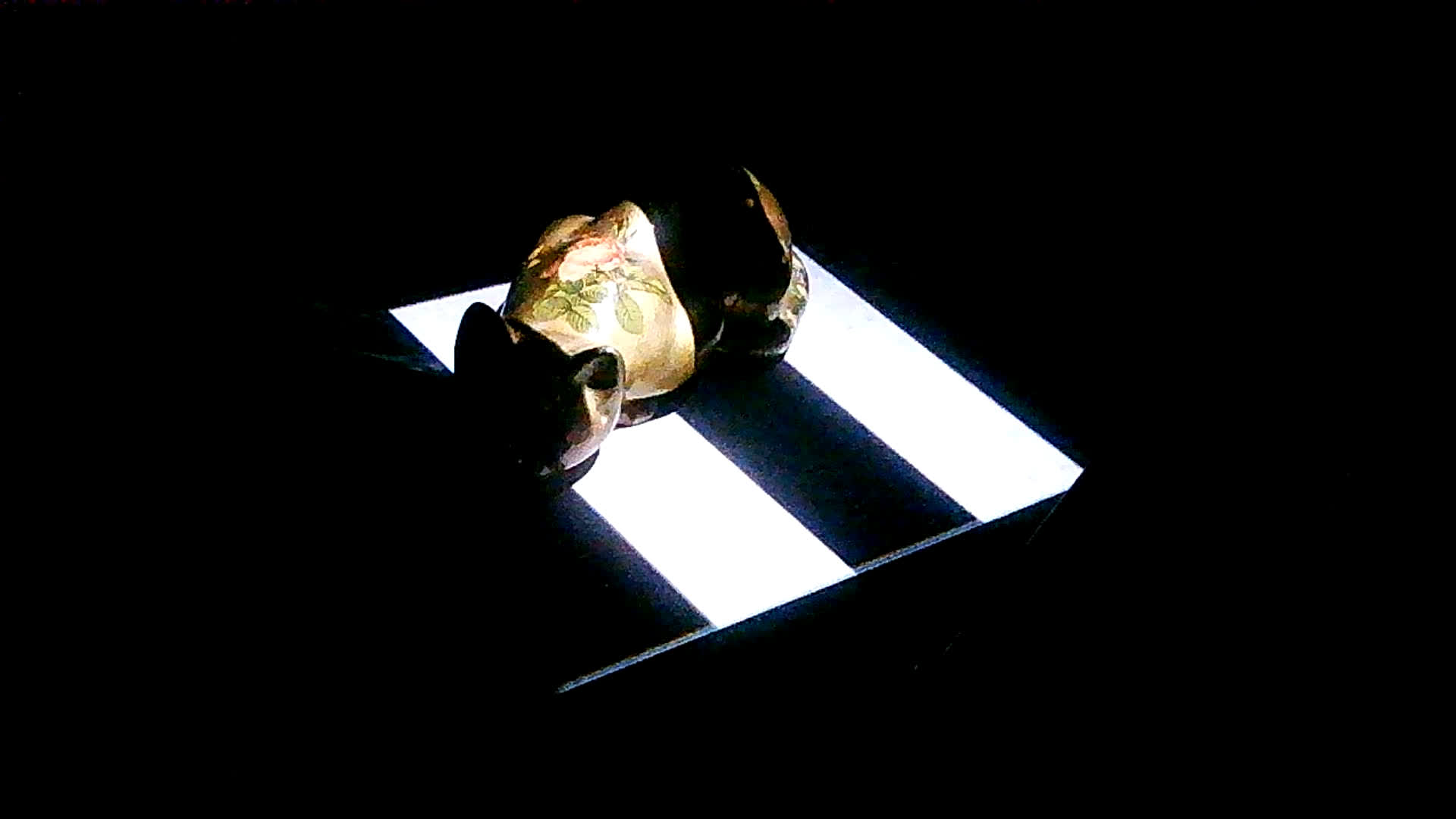
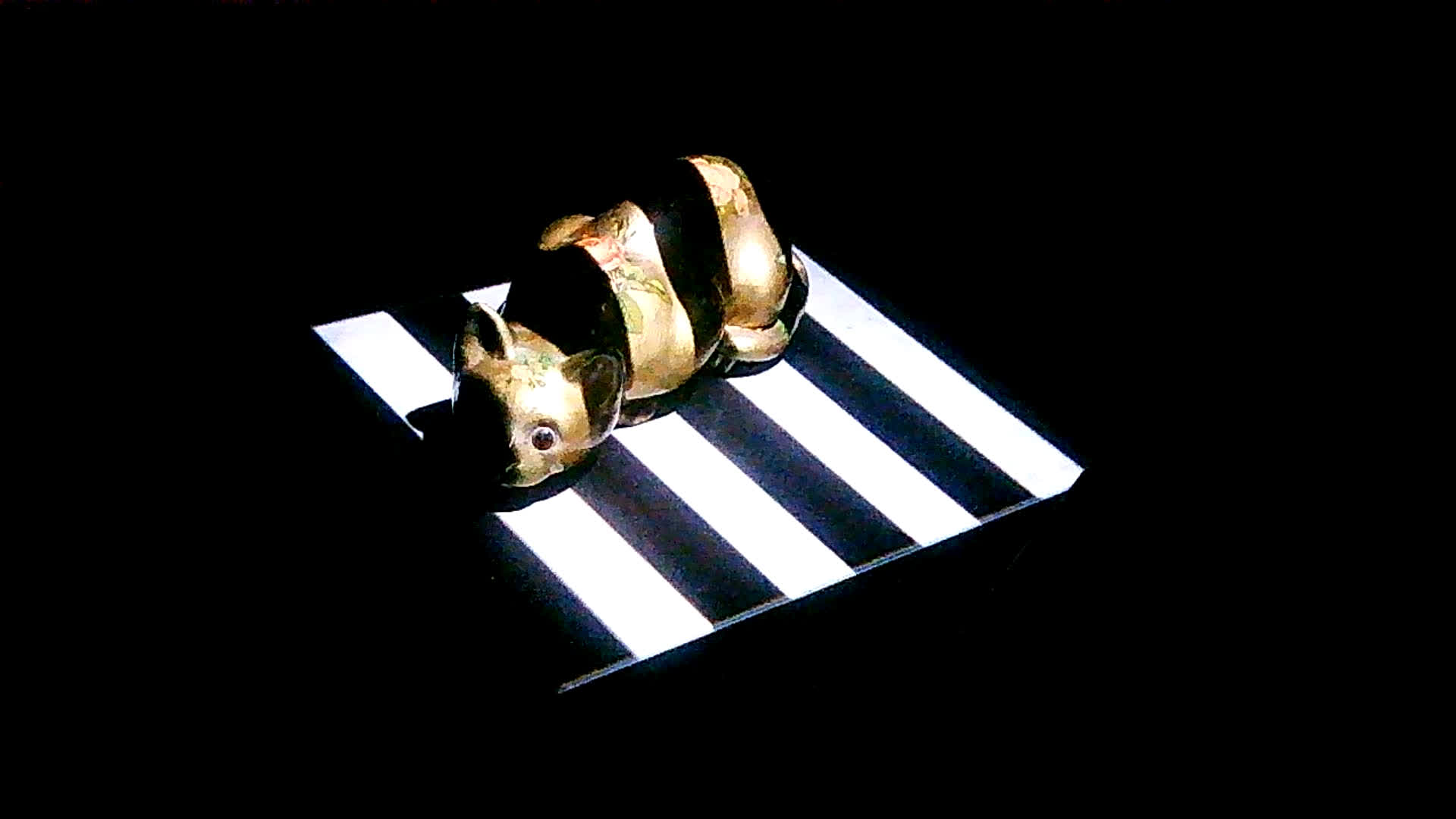
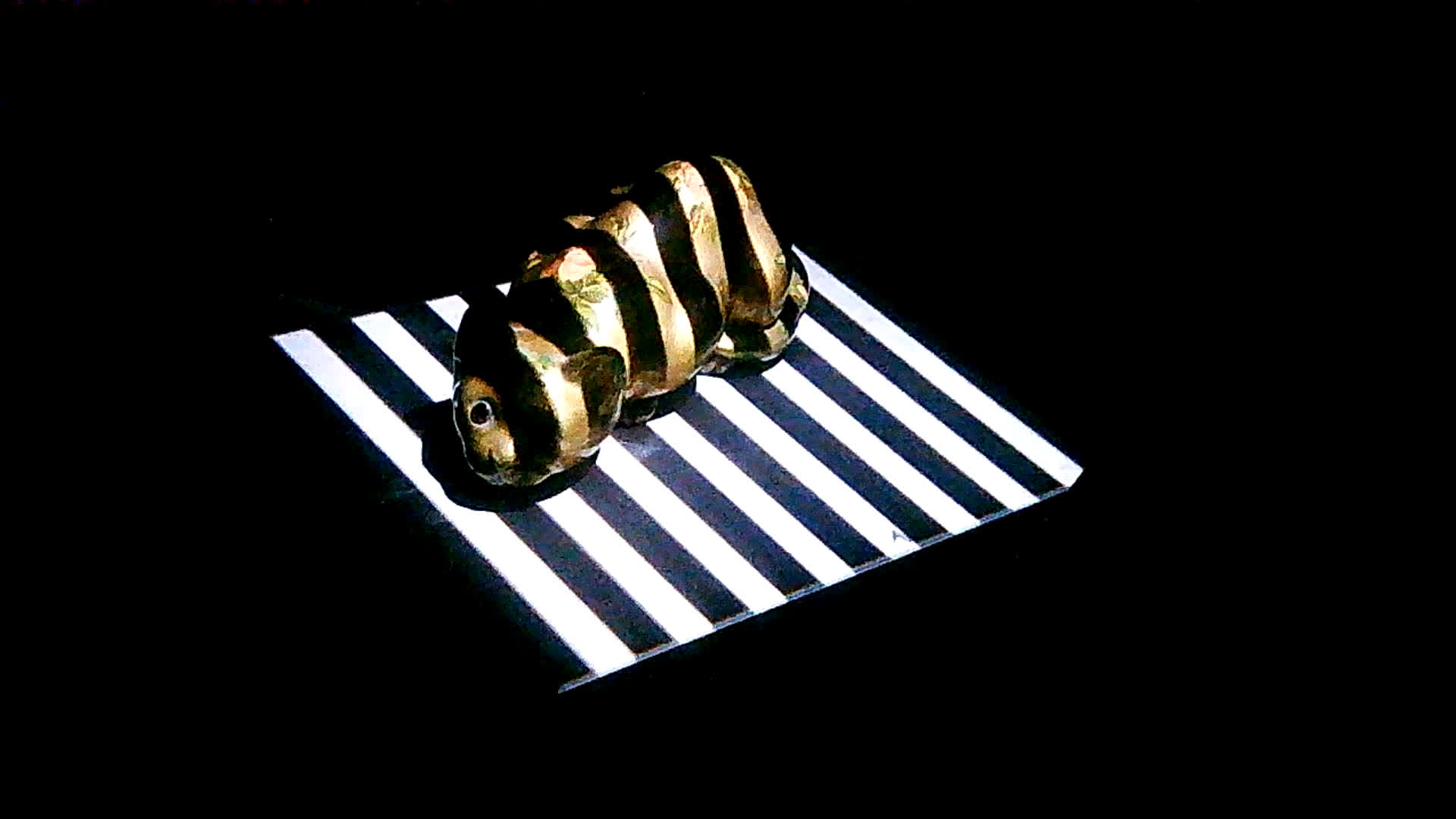
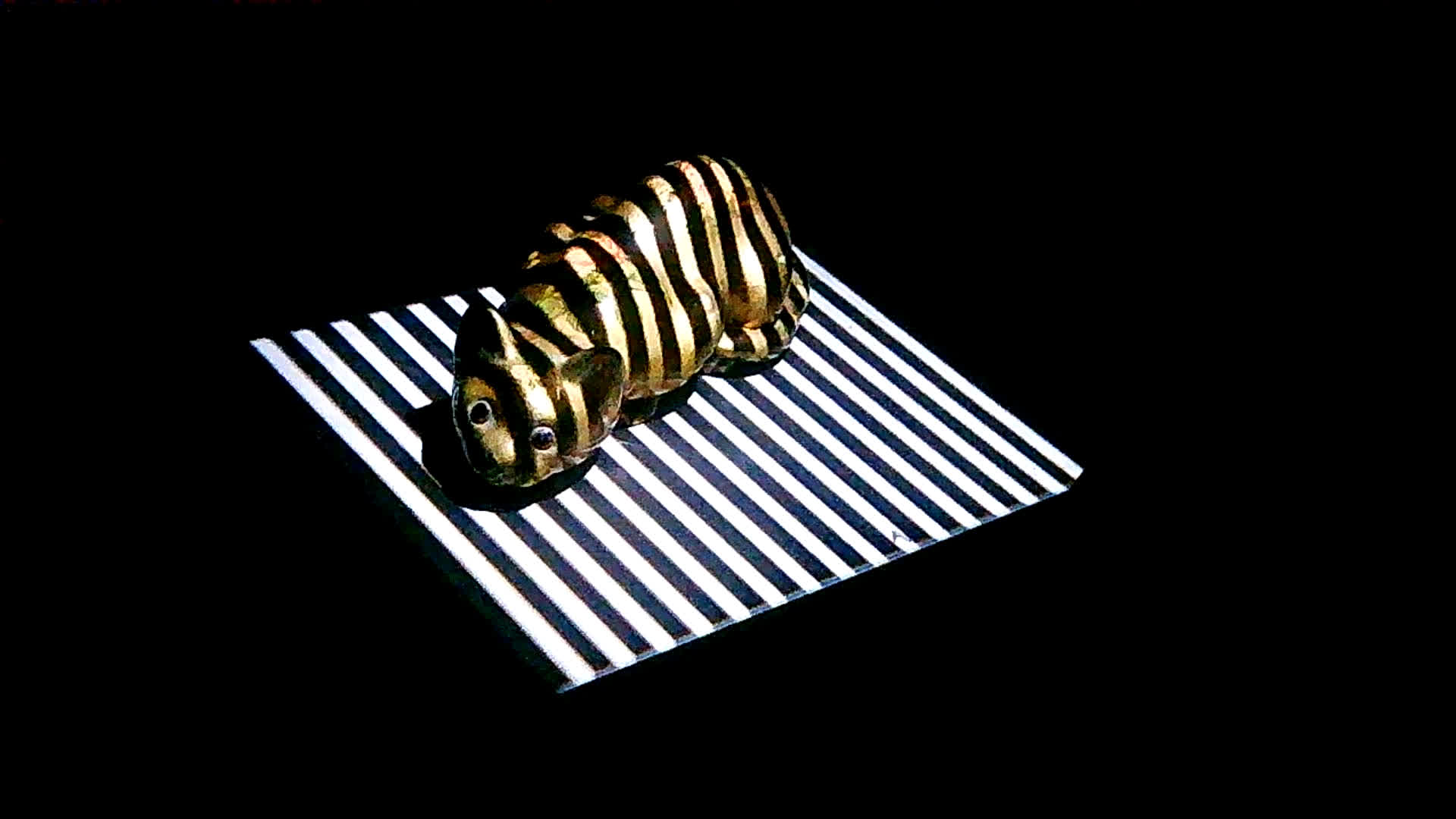
These frames can be combined in different ways to pinpoint individual stripes. This is where some binary trickery is used. In this example, we have up to 5 bits of detail, giving 32 stripes total (2^5). Each stripe can be selected with a string of bits (e.g. 16th stripe = 10000). Each bit corresponds to a frame at each level of detail. A 0 indicates a non-inverted frame, and a 1 indicates an inverted frame.
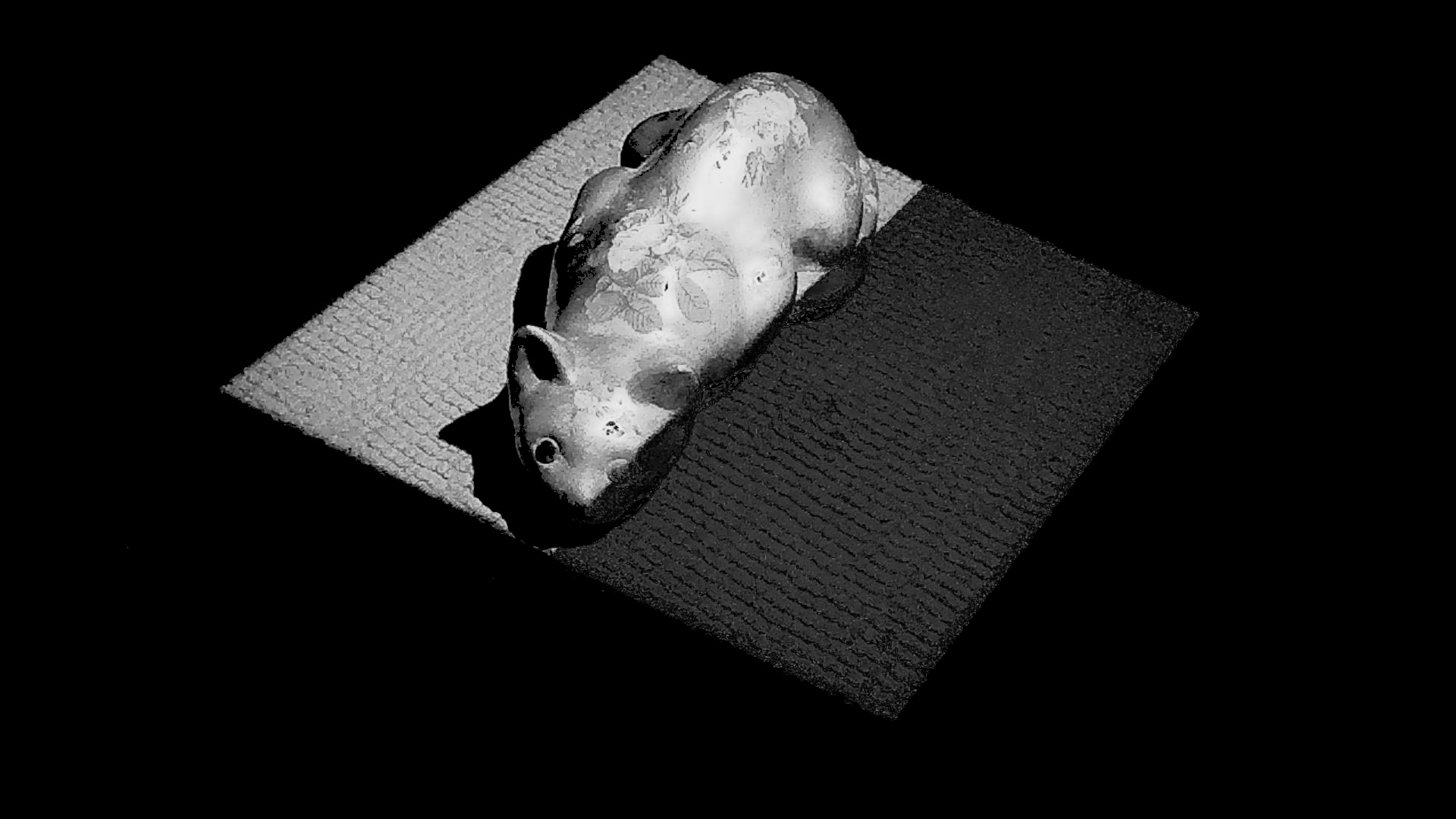
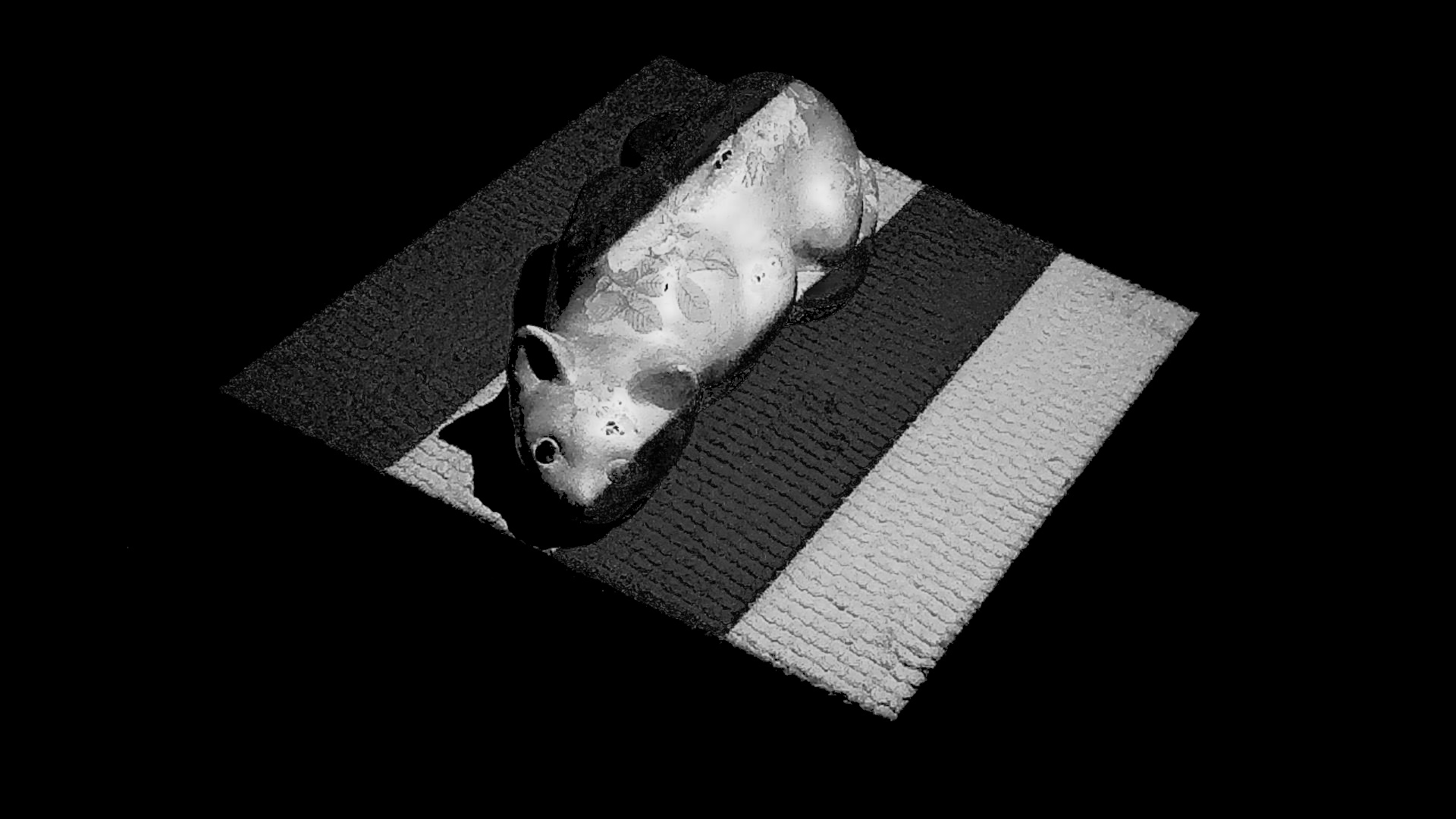
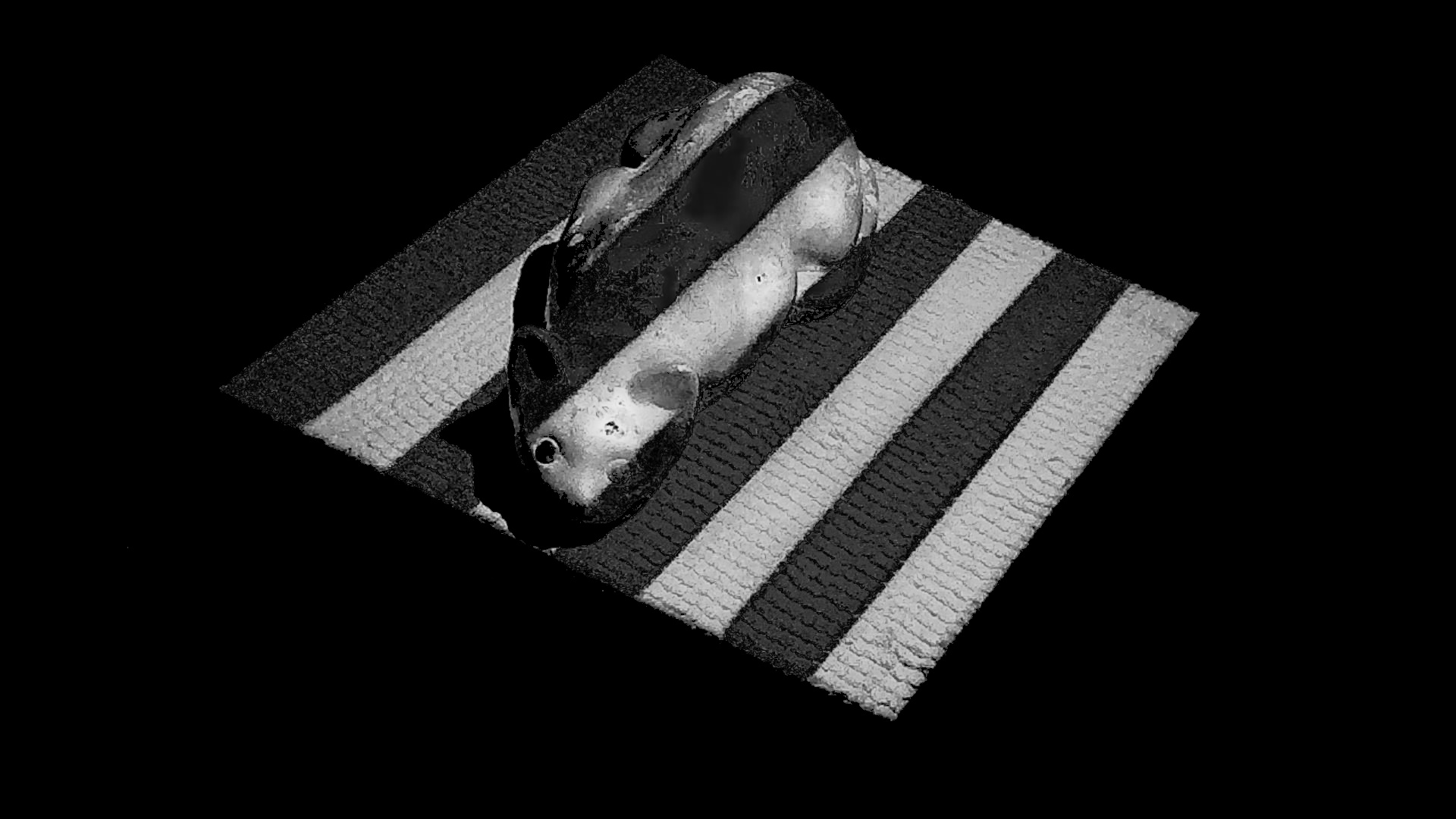
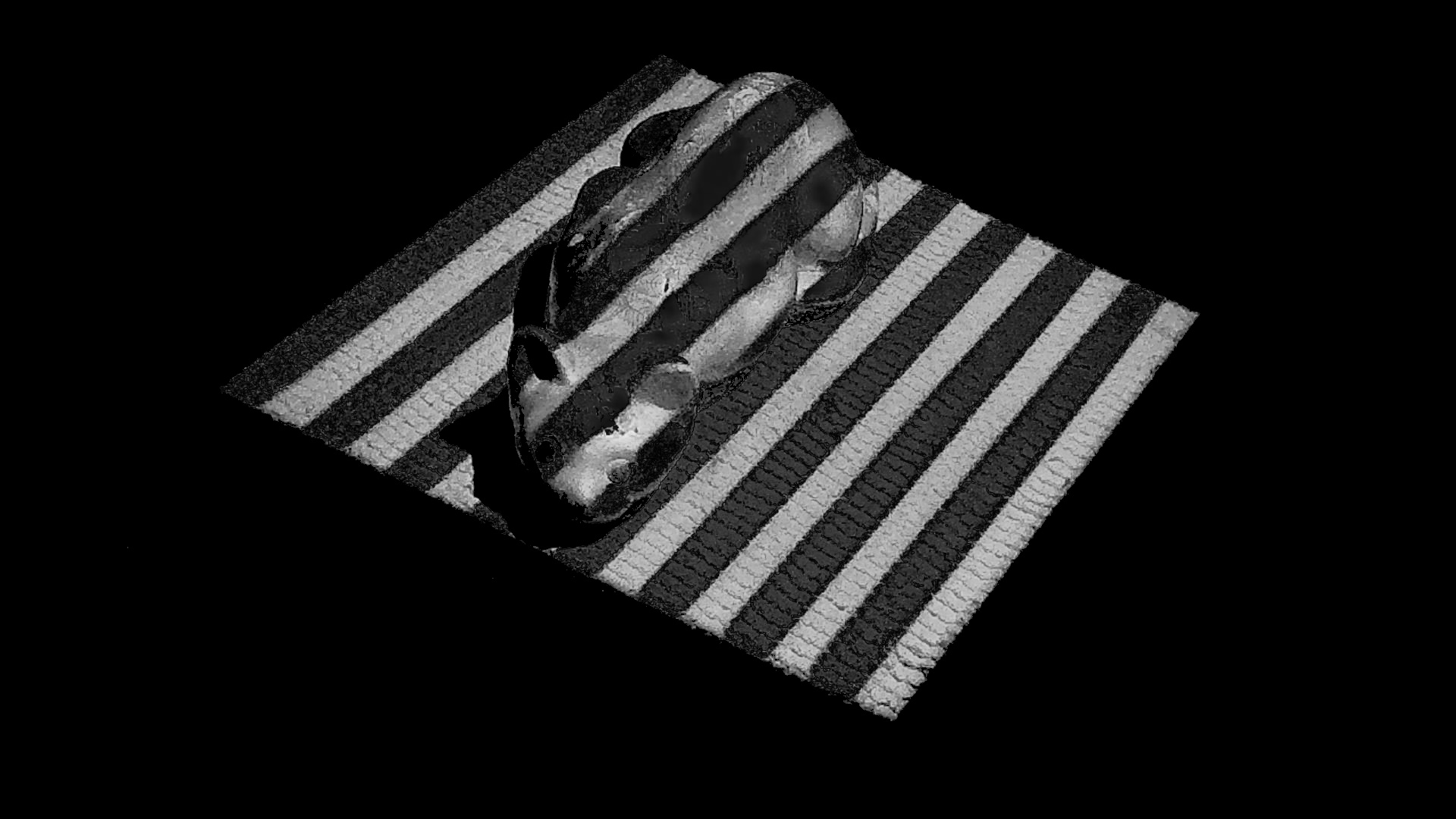
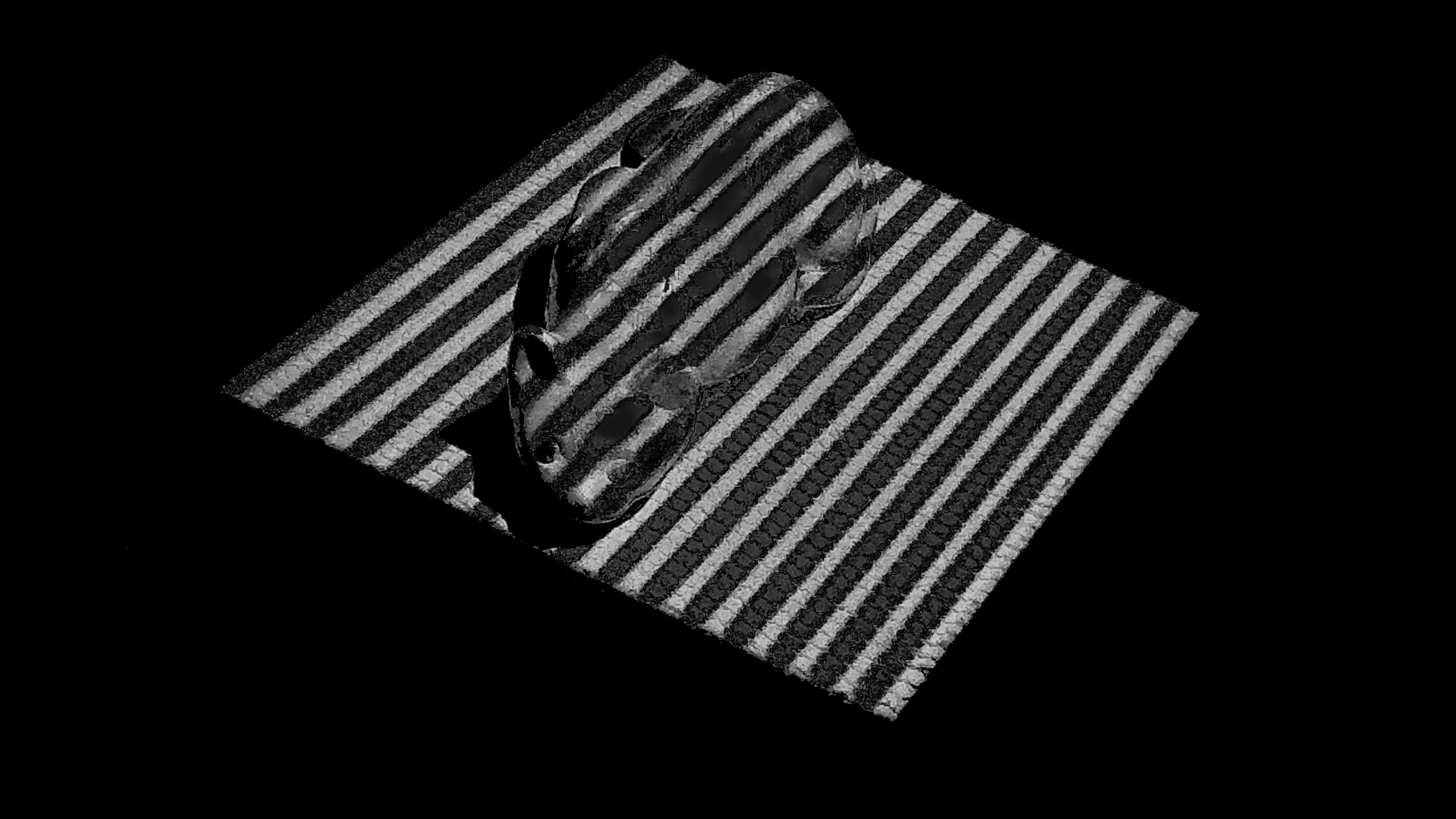
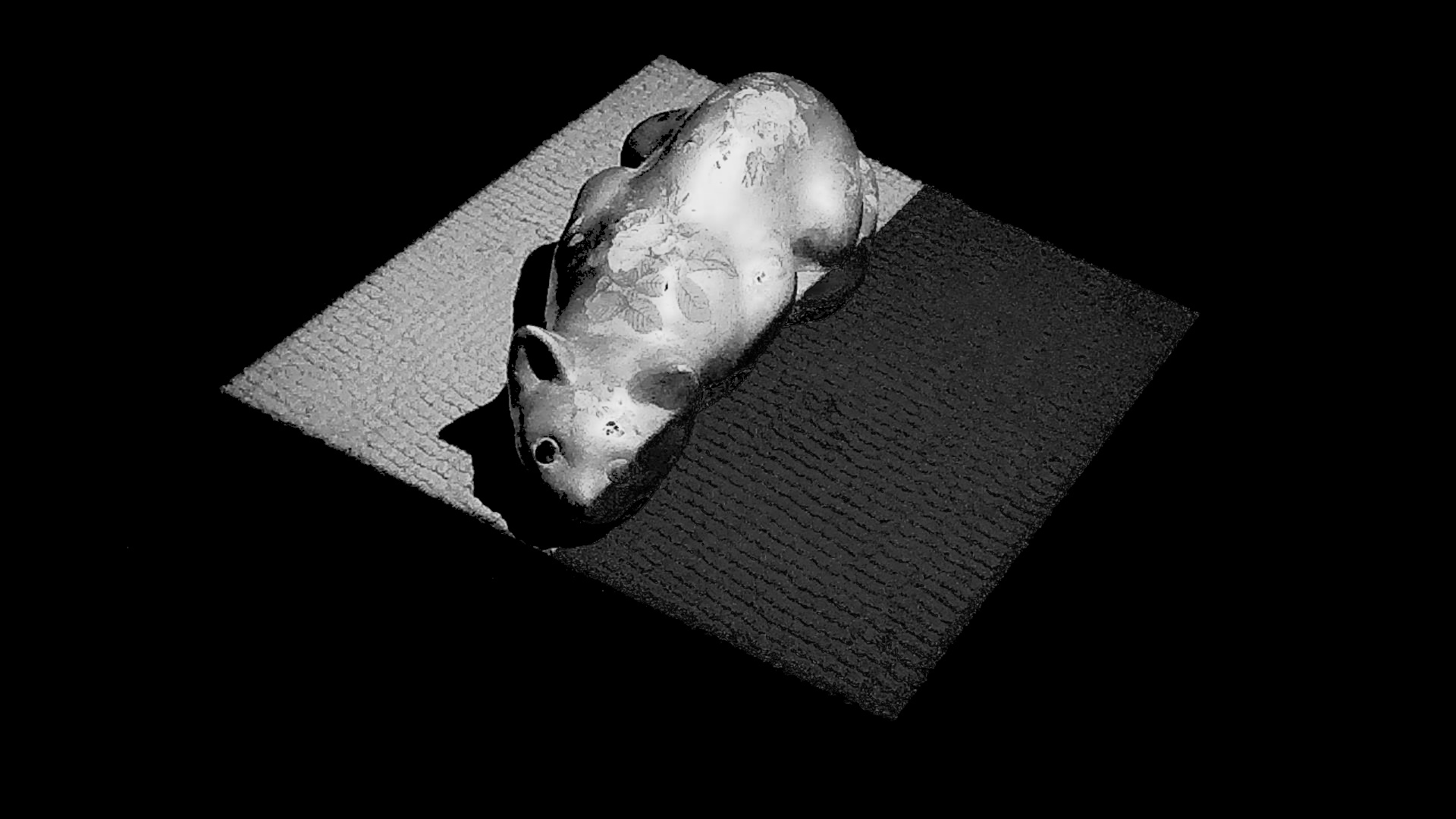
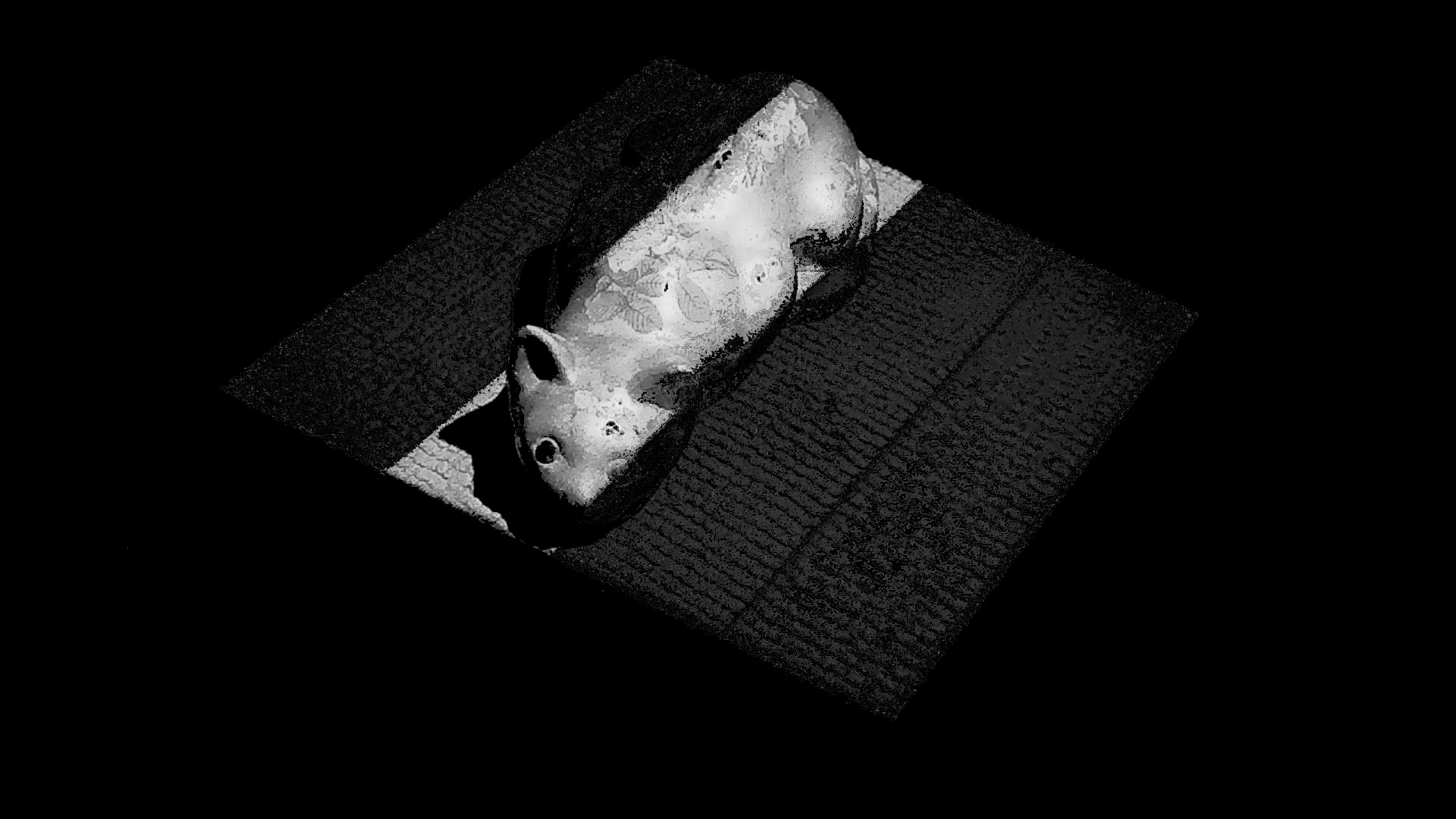
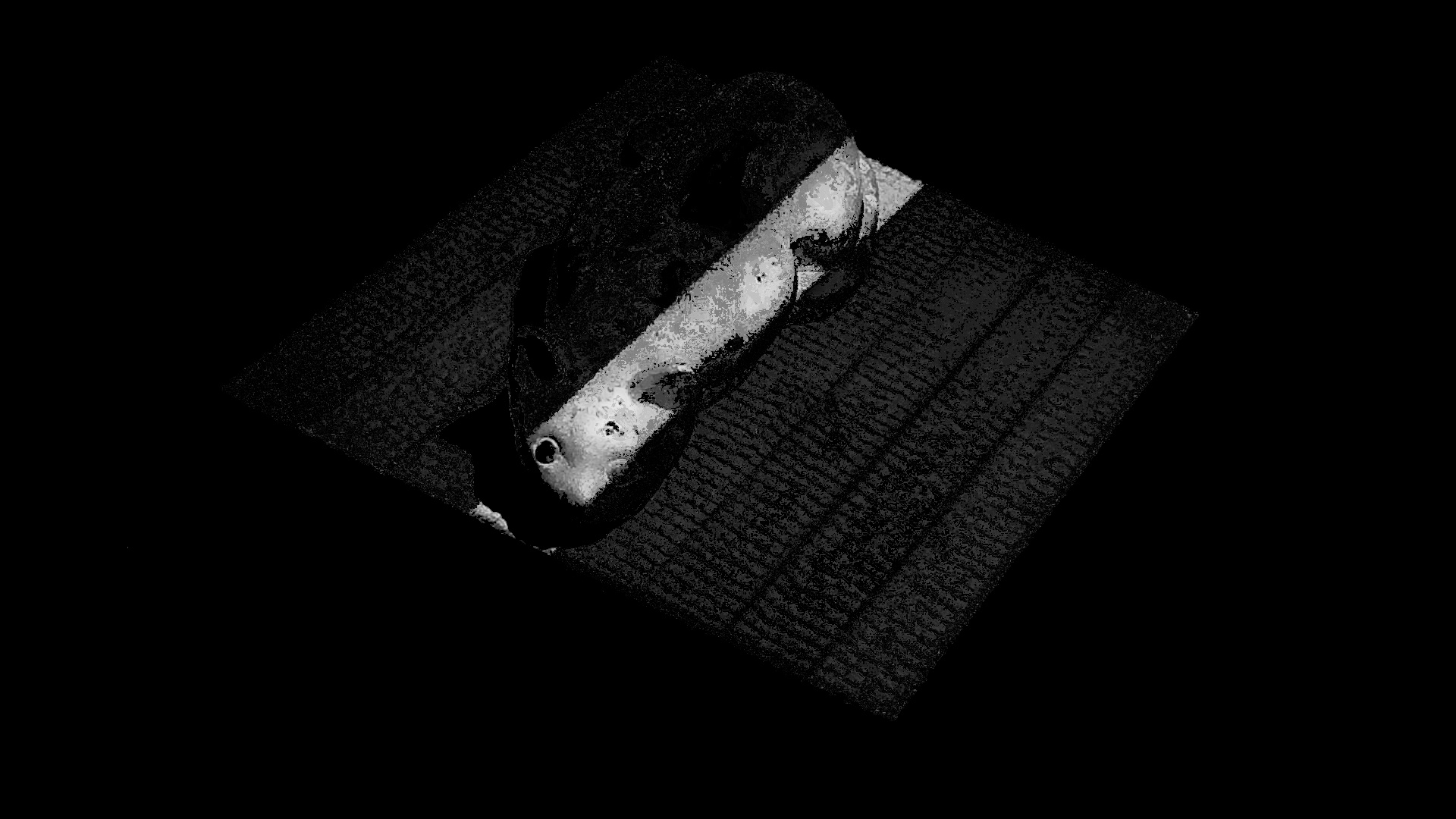
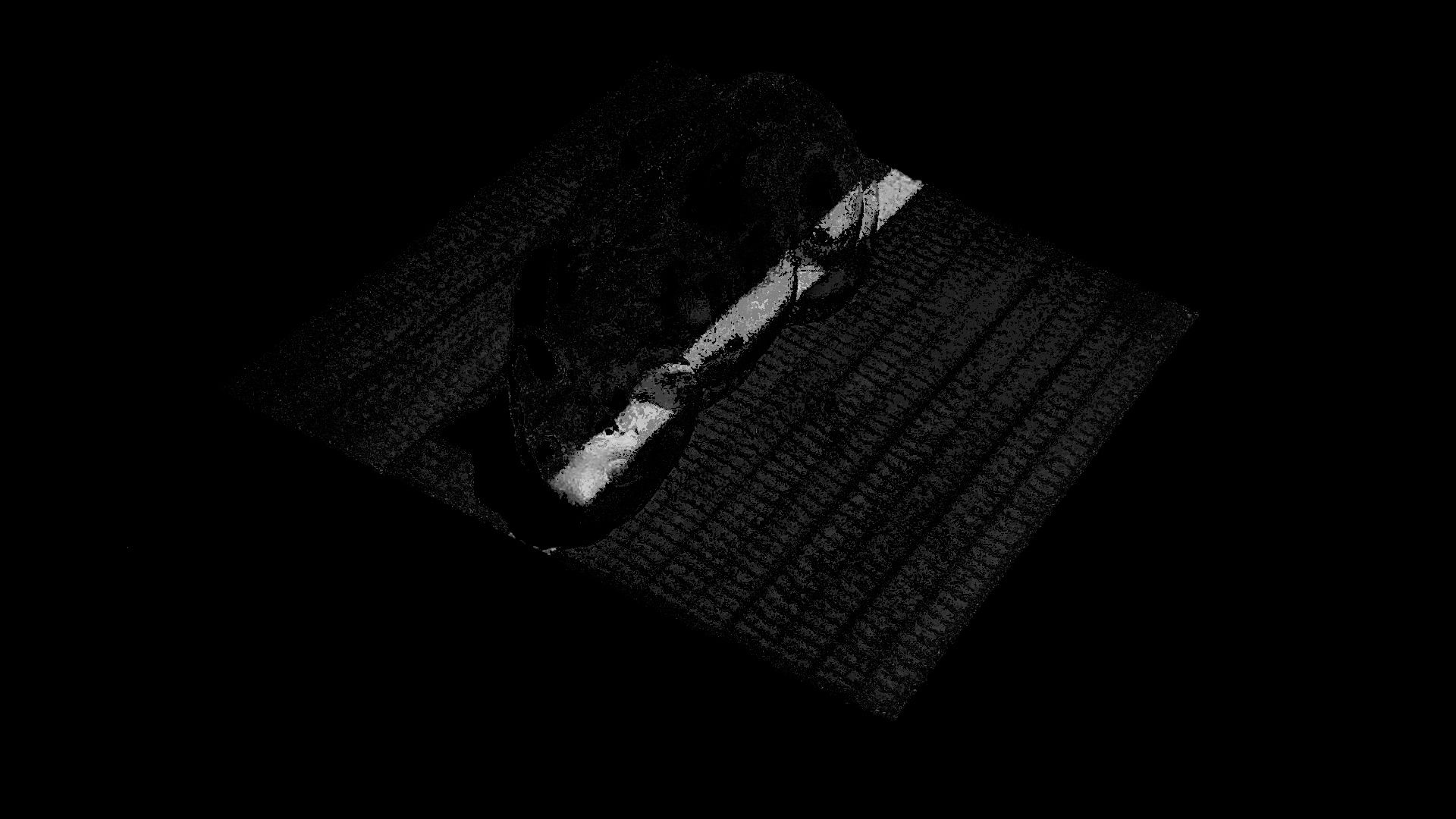
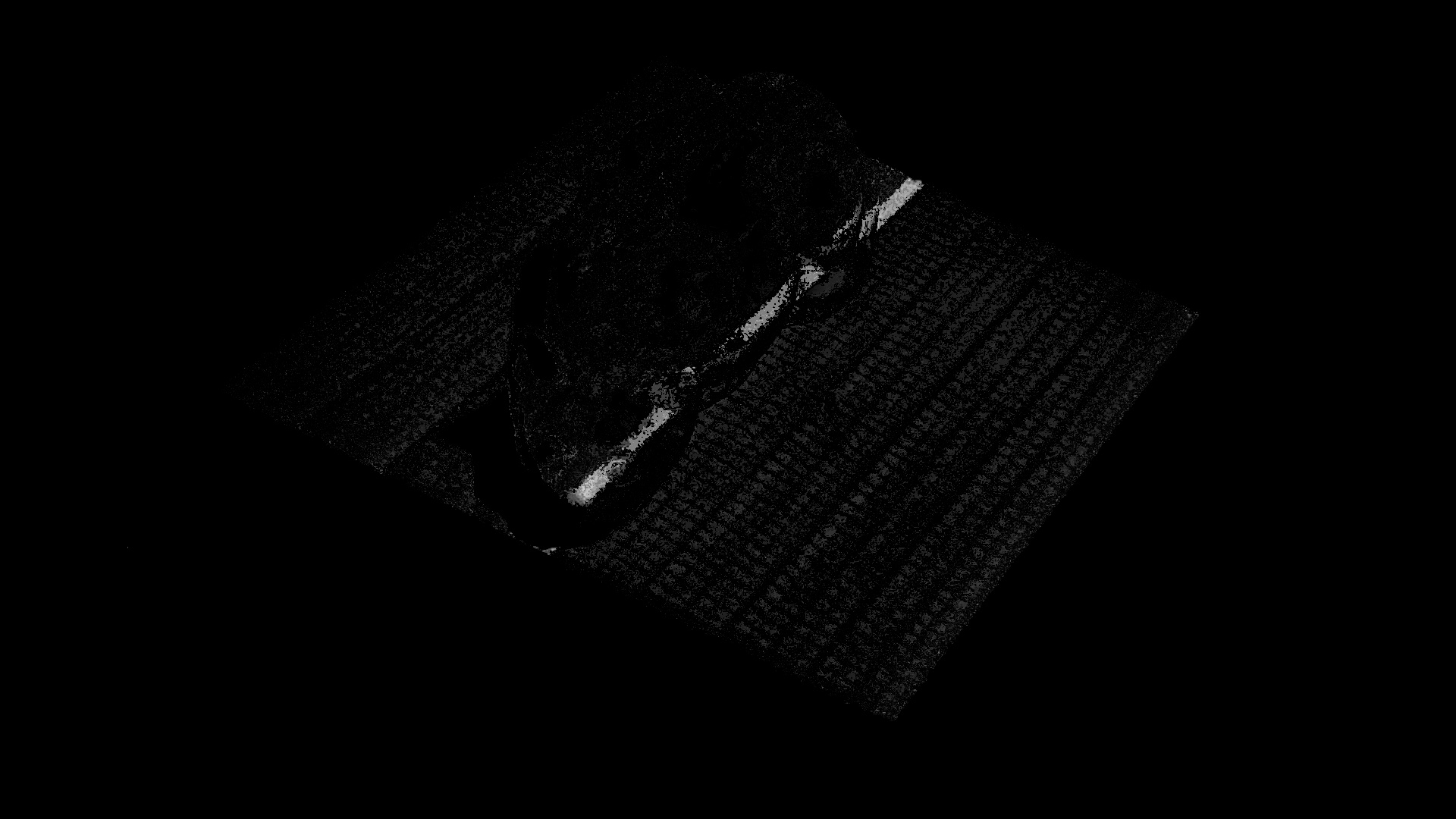
In order to make the program efficient, we can pre-compute all of the vertical and horizontal slices.


Combining any two of these slices allows us to pinpoint individual parts of the object. We can do this for every available point, creating a grid of intersection points.
This entire process is also done for a "calibration" scan, which is just a scan with no objects in frame.
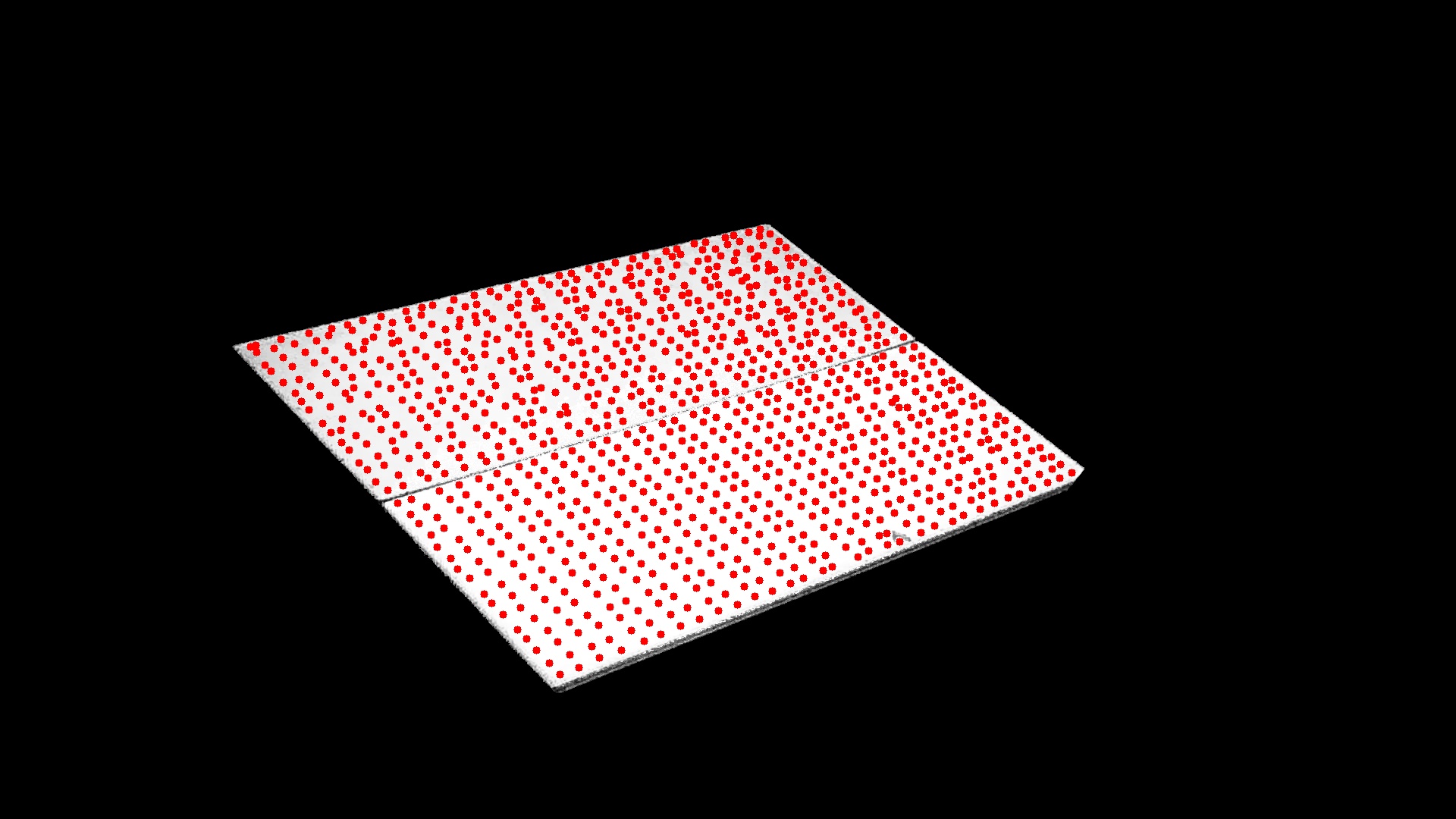
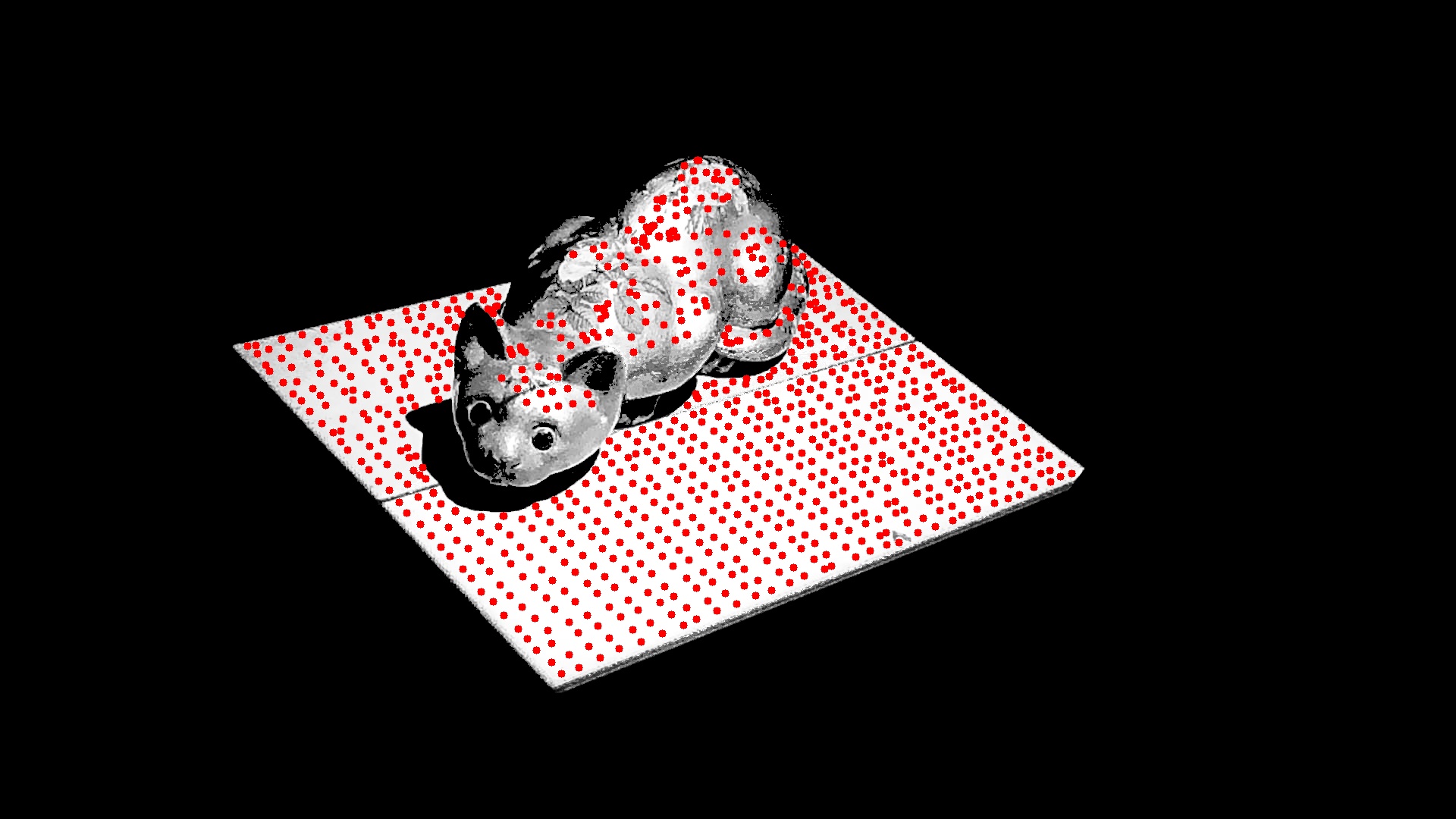
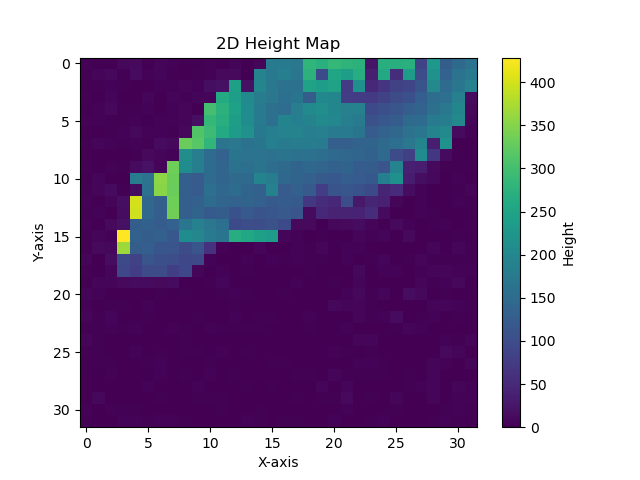
Finally - For each point on the grid, we can find the distance between the calibration intersection and the scan intersection, to determine the height of each point.